Framer Canvas Guide 2025: Your Complete Step-by-Step Handbook

Hi, I'm James
I help startups turn confusing websites into conversion-ready ones in under 30 days.
100+ projects delivered
Worked with funded startups
Framer + UX specialist
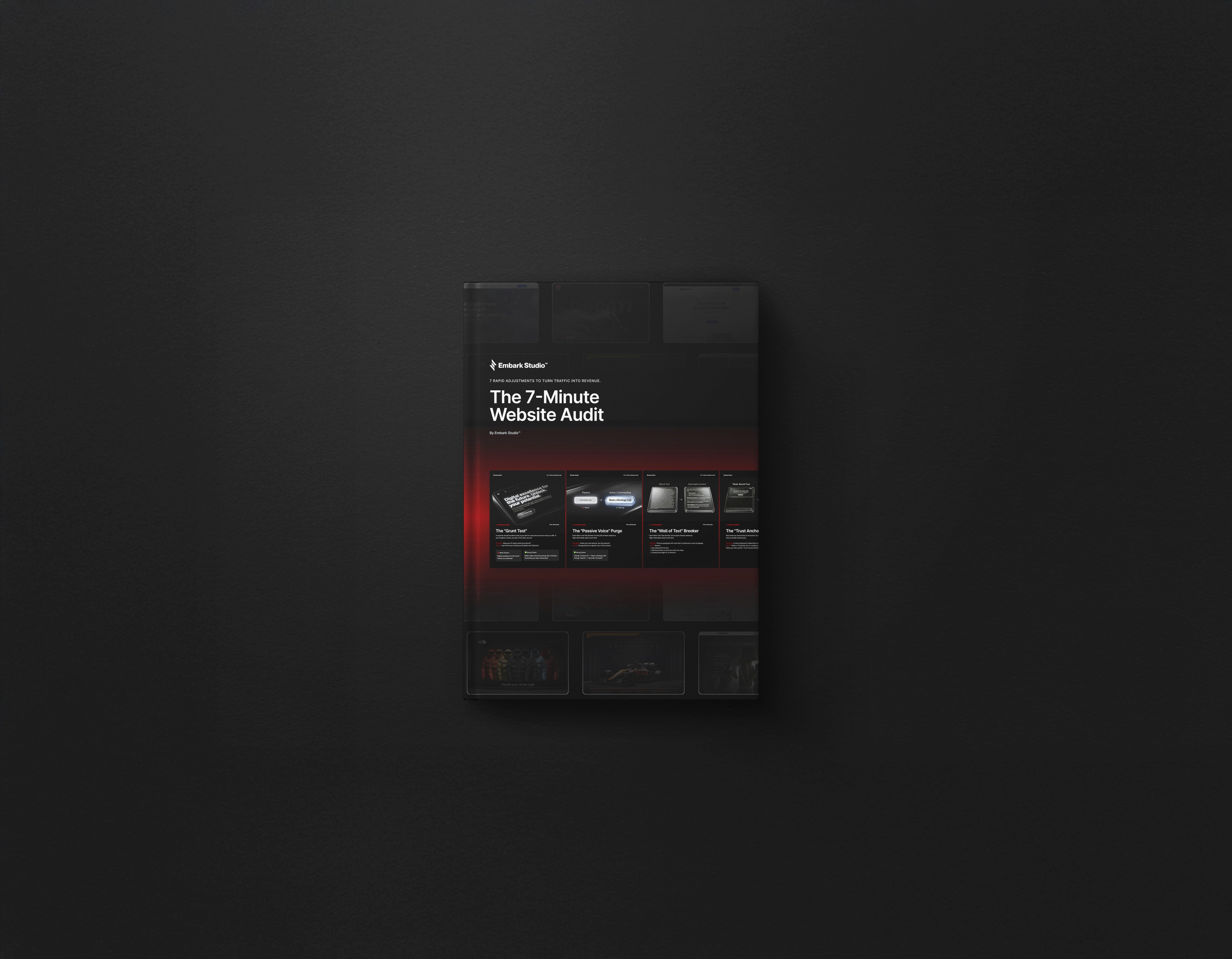
7-Minute Website Fix Guide
Instant, high-impact fixes to improve clarity, trust, and conversions on your website.
View Our Services
Fast, high-quality Framer builds or Product Design to help startups ship and scale confidently.
Design Resources
Premium components, frameworks, and overrides for faster, better builds.
Unlock the full power of framer canvas in 2025. Imagine designing faster, smarter, and with more creative control than ever before.
Unlock the full power of framer canvas in 2025. Imagine designing faster, smarter, and with more creative control than ever before.
This guide is your step-by-step handbook for mastering framer canvas. Whether you're just starting out or already a seasoned designer, you'll find actionable strategies to boost your workflow.
Inside, you'll explore core concepts, essential tools, shortcuts, and advanced features. Each section is packed with expert tips to help you optimize your design process.
Ready to transform your design approach? Dive in and discover how framer canvas can elevate your creative projects this year.
Understanding Framer Canvas: Core Concepts & Interface
Framer Canvas stands out as a powerful design environment for modern creators. Whether you're new to digital design or a seasoned professional, understanding the fundamentals of framer canvas is the first step to unlocking its full potential. Let’s break down its core concepts, interface navigation, essential tools, and productivity techniques to set a strong foundation.
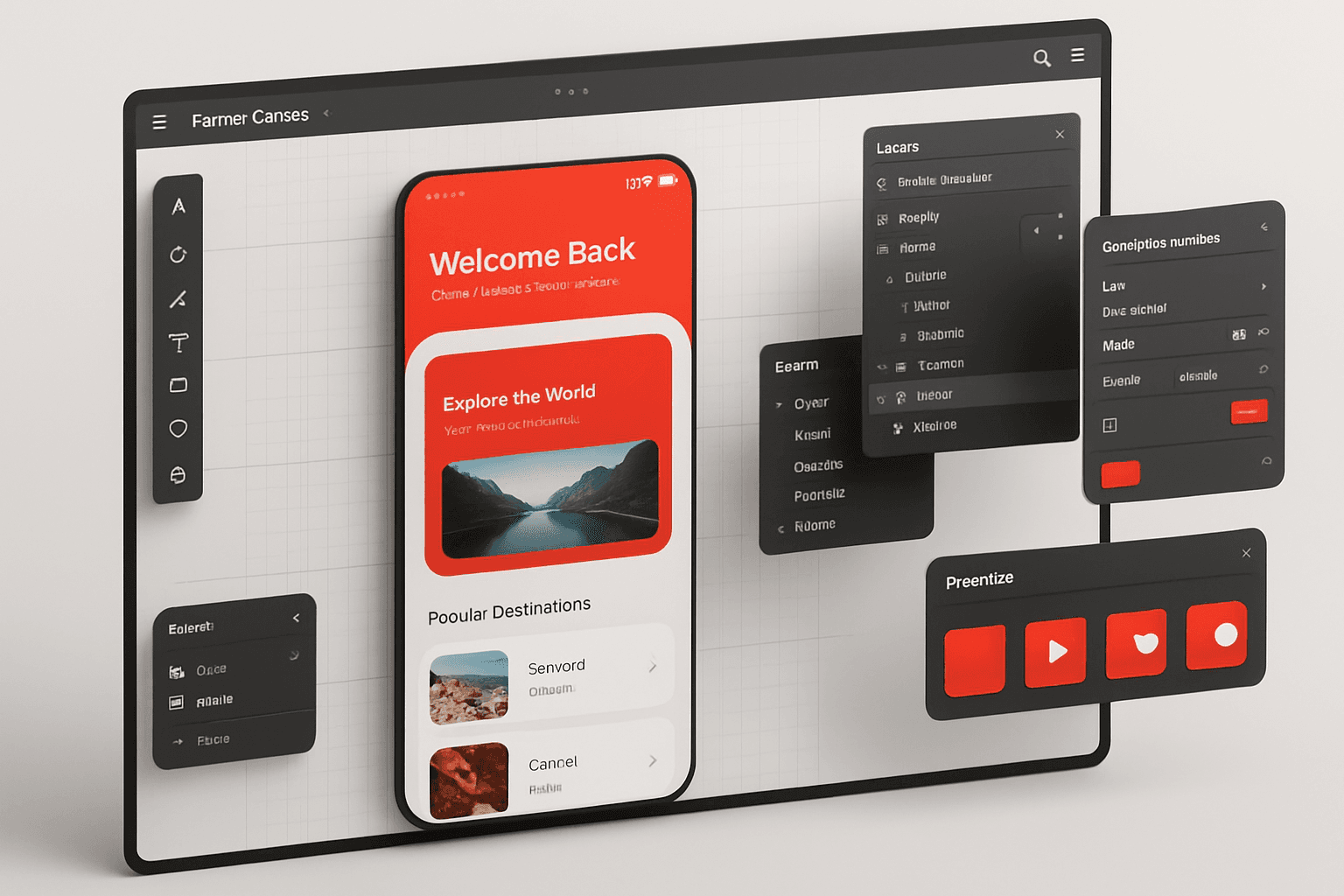
What is Framer Canvas?
Framer Canvas is the central design space within the Framer ecosystem, enabling users to create, prototype, and refine interactive interfaces. Unlike traditional static canvases in Figma or Sketch, framer canvas offers dynamic prototyping, real-time feedback, and seamless integration with code.
Startups and agencies rely on framer canvas for rapid prototyping, UI/UX exploration, and web design, accelerating their product cycles. For example, emerging tech teams can visualize app ideas and iterate quickly, cutting down development time. In fact, over 20,000 agencies and tech firms utilize Framer for fast web builds, highlighting its growing industry relevance.
Navigating the Framer Canvas Interface
The framer canvas interface is intuitively designed to boost productivity. The workspace includes a main toolbar for core actions, a layers panel for structure, and a properties panel for detailed adjustments. You can customize layouts for personal workflow efficiency, such as switching to dark mode during late-night design sprints.
Teams benefit from workspace organization features, making collaboration straightforward. For a full overview of the latest interface innovations, explore Framer's 2025 Design Tool Capabilities, which showcases updates like real-time collaboration and enhanced editing tools.
Essential Canvas Tools & Features
Within framer canvas, essential tools empower designers to work smarter and faster. Core features include selection, grouping, and alignment tools, which ensure elements are precisely placed. The grid system and snapping options support structured layouts, while robust layer management maintains clarity in complex projects.
For example, smart guides allow designers to achieve pixel-perfect layouts with minimal effort. Mastery of these features not only streamlines workflow but also helps maintain design consistency across every project.
Keyboard Shortcuts and Productivity Tips
Efficiency on framer canvas hinges on mastering keyboard shortcuts. Popular commands for selection, duplication, grouping, and alignment can dramatically speed up your workflow. Framer allows users to customize shortcuts, tailoring the environment to their habits.
Power users often report cutting their design time by up to 30% through shortcuts alone. According to Framer’s official user community, productivity gains are substantial when these techniques become second nature. Building these habits early helps maximize every session on framer canvas.
Setting Up Your First Project: Step-by-Step Workflow
Setting up your first project in framer canvas is a straightforward yet powerful process. Whether you're a beginner or an experienced designer, a well-structured workflow ensures consistency, flexibility, and speed. Let’s walk through each step, from initial setup to collaborative handoff, so you can maximize your efficiency and harness the full potential of framer canvas for any project.
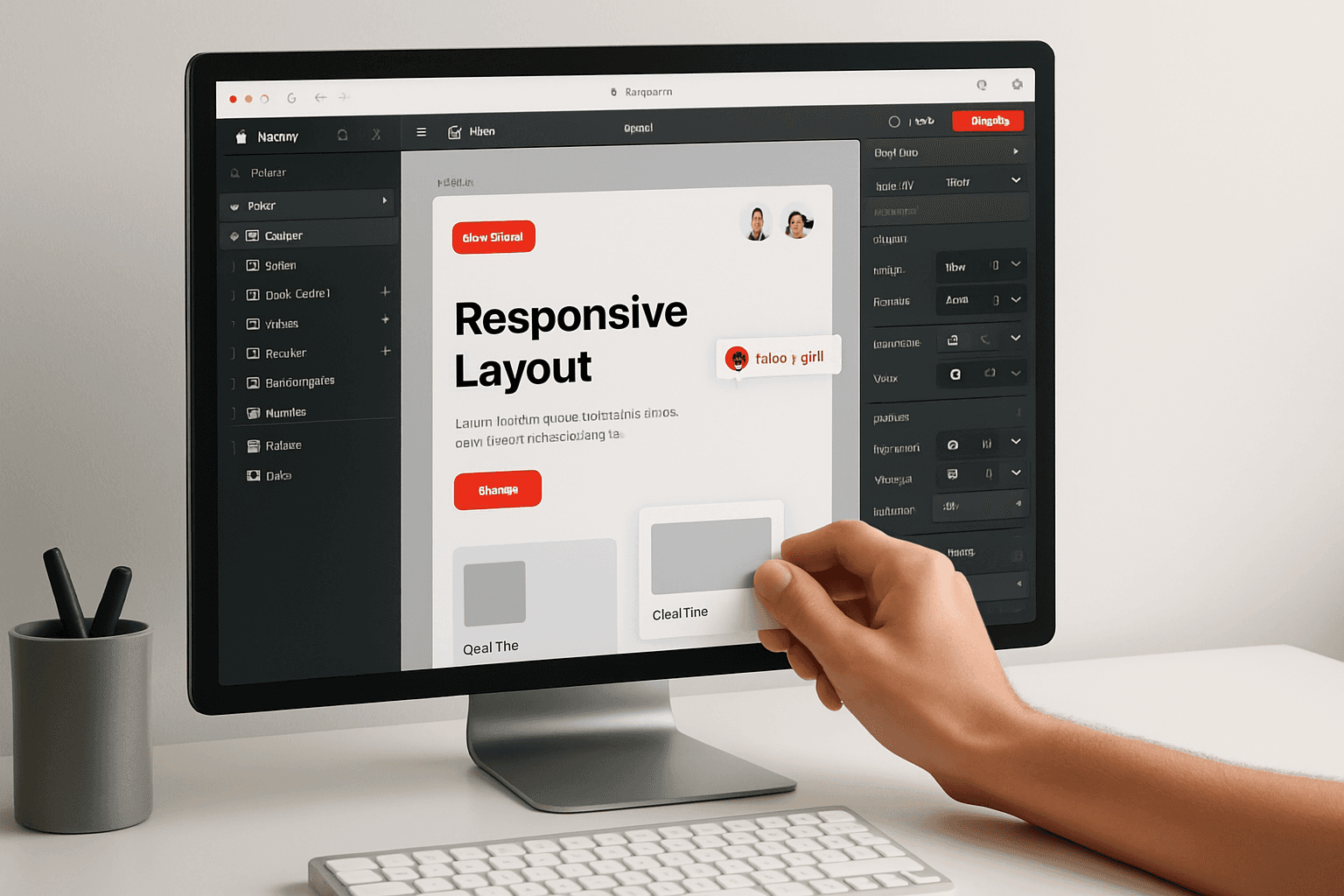
Creating a New Canvas & Project Structure
Starting a new project in framer canvas is simple: click "New Project" and choose between a blank canvas or a professionally crafted template. Templates offer a quick head start, while blank canvases give complete creative freedom. For most, templates are ideal for rapid prototyping or when following best practices.
When organizing your project, use clear naming conventions for files and folders. For example:
This approach is especially effective for SaaS landing pages. For more inspiration on structuring high-converting pages, see Essential landing page tips for Framer. Remember, a logical structure in framer canvas sets the foundation for scalable, maintainable design.
Adding and Arranging Layers
Adding content to framer canvas involves inserting frames, shapes, images, and text. Start by building the main sections—such as the hero area, navigation, and footer—then arrange elements by stacking and nesting layers for clarity.
Best practices include:
Group related layers for easier management.
Use descriptive layer names.
Avoid excessive nesting to maintain performance.
When building a hero section, layer images, text, and buttons for visual impact. Common mistakes in framer canvas, like misaligned groups or hidden elements, can be avoided by keeping your layer hierarchy clean and reviewing frequently.
Designing Responsive Layouts
Framer canvas shines when it comes to responsive design. Utilize constraints and auto-layout features to ensure your project adapts smoothly across devices. Preview your work on different screen sizes directly within the workspace.
For navigation bars, set constraints so menu items redistribute or stack on mobile. This approach, standard in framer canvas, ensures a seamless user experience. Recent studies show that 65% of framer canvas projects are built with multiple device formats in mind, highlighting the importance of responsive workflows in modern web design.
Working with Components and Variants
Components in framer canvas are your secret to efficiency and consistency. Create reusable elements—like buttons, cards, or form fields—once, then deploy them throughout your project. Variants allow for different states (hover, active, disabled) within a single component.
For example, design a CTA button with distinct hover and press states. This not only speeds up iteration but also ensures uniformity across your framer canvas project. Embracing components and variants is essential for maintaining a scalable, professional design system.
Integrating Interactions and Animations
Bring your designs to life in framer canvas by adding interactions and animations. Basic actions include linking pages, hover effects, and clickable buttons. Advanced options let you chain animations, introduce delays, or create complex transitions.
Imagine an interactive product showcase: users hover over images, triggering smooth animation effects. This level of interactivity is simple to implement in framer canvas and greatly enhances user engagement. Harnessing animation features will set your designs apart and improve retention.
Version Control and Collaboration Tools
Framer canvas supports real-time collaboration, making teamwork seamless. Multiple users can edit a project simultaneously, with changes reflected instantly. Use commenting tools to leave feedback or request revisions without leaving the workspace.
When sharing with stakeholders, provide view-only or editing access as needed. This streamlines the review process and accelerates feedback cycles. Teams using framer canvas report a 40% reduction in feedback turnaround, proving its value in collaborative environments.
Advanced Framer Canvas Techniques for 2025
Unlocking the full potential of framer canvas in 2025 requires a deep dive into its most advanced features. This section explores the latest workflow enhancements, automation strategies, and collaboration methods that set framer canvas apart for modern designers.
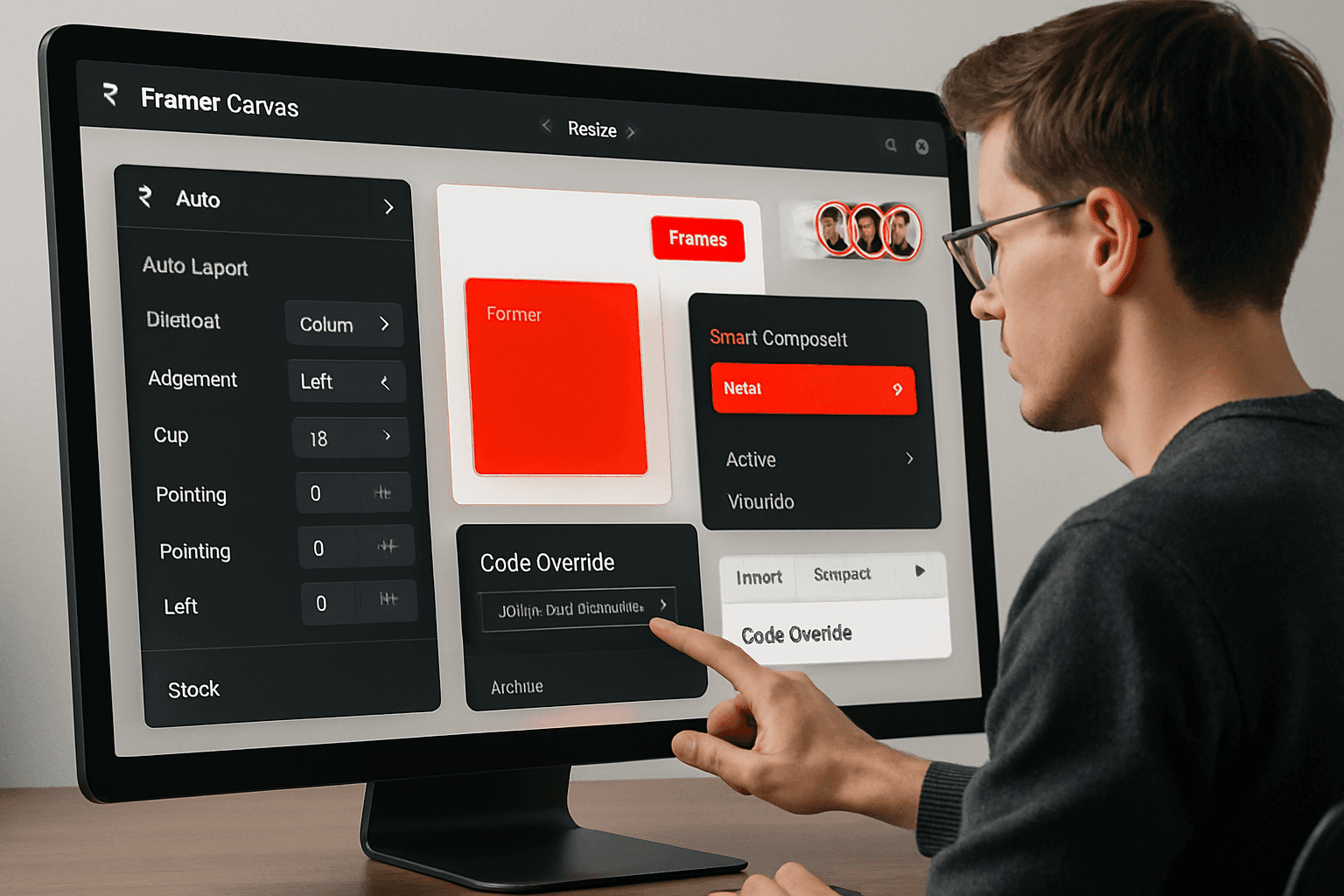
Mastering Auto Layout & Smart Components
The evolution of auto layout in framer canvas brings unparalleled flexibility to design workflows in 2025. Designers can now define dynamic spacing, responsive resizing, and adaptive stacking with precision. Smart components further streamline UI creation by enabling properties like conditional rendering and state-based styling.
For example, building a responsive dashboard widget is now as simple as dragging components into a parent frame and applying auto layout rules. This ensures every element aligns perfectly, regardless of device size.
To see how leading creators leverage these innovations, review the Advanced Framer templates 2025 for practical, hands-on inspiration. Mastery of these features makes framer canvas the top choice for scalable, future-proof interfaces.
Leveraging Code Overrides and Custom Logic
Framer canvas empowers designers to extend interactivity by integrating code overrides directly into components. Using JavaScript or React, you can inject custom behaviors—such as dynamic pricing calculators or real-time content updates—without leaving the design environment.
Consider this simple override example for a button component:
This approach allows you to prototype complex logic while maintaining visual consistency. Teams using framer canvas often report faster iteration cycles and seamless transitions from design to development.
Prototyping with Data Integration
Modern framer canvas projects thrive on real data. You can now connect external APIs, spreadsheets, or sample datasets directly to your designs. This means live product listings, up-to-date dashboards, and interactive charts are all possible within the same canvas.
For instance, setting up a product showcase with live inventory updates only takes a few steps. Simply bind your component to a data source and preview real-time changes instantly. According to competitor surveys, 50% of power users now rely on data-driven prototypes to bring their framer canvas projects closer to production reality.
Accessibility and Performance Optimization
Ensuring accessibility is a core requirement for all framer canvas projects in 2025. Designers can audit color contrast, add semantic labels, and verify keyboard navigation compliance right inside the tool. Optimizing assets and streamlining animation sequences further improves load times and user experience.
A practical example is designing a contact form that leverages clear labels, logical tab order, and ARIA attributes. By prioritizing accessibility and performance, your framer canvas designs become both inclusive and efficient—delivering measurable results across devices and audiences.
Exporting, Handoff, and Developer Collaboration
Framer canvas now features robust export and handoff capabilities for seamless teamwork. Designers can export assets, CSS, or even React code with a single click, reducing manual handoff errors. Real-time comments and versioning make it easy to collaborate with developers and stakeholders.
For example, exporting a fully interactive component directly into a React project saves hours of translation. Case studies show that streamlined handoff through framer canvas reduces development time by up to 25%. This level of integration supports agile workflows and keeps teams aligned from concept to launch.
Expert Tips, Troubleshooting, and Best Practices
Unlocking the full potential of framer canvas requires not just technical skills, but a strategic approach to design, troubleshooting, and ongoing learning. In this section, we’ll guide you through essential tips, common pitfalls, collaboration strategies, and expert resources to ensure your workflow remains efficient and future-proof.
Common Pitfalls and How to Avoid Them
Working with framer canvas is powerful, but certain mistakes can slow your progress or impact performance. Over-nesting layers, for instance, can lead to sluggish file handling and confusion. Misusing components or variants often results in broken interactions or inconsistent UI elements.
Pitfall: Over-nesting layers
Solution: Keep the layer hierarchy shallow and organized
Pitfall: Misusing variants and components
Solution: Define clear component roles and maintain naming conventions
Pitfall: Overcomplicating interactions
Solution: Test frequently and simplify logic
For example, if you notice interactions are not working as expected, review your component structure and ensure that overrides or variant states are correctly set. The most successful framer canvas users regularly audit their files to avoid these common traps.
Time-Saving Design Hacks
Efficiency is crucial when working on framer canvas projects. Take advantage of templates and design systems to jumpstart your workflow and maintain consistency throughout your designs.
Copy and paste styles or properties between elements to save time
Rapidly duplicate sections for A/B testing or quick iterations
Use grid and snapping tools to align elements precisely
Here’s a quick table of hacks:
Hack | Benefit |
|---|---|
Templates | Faster project setup |
Copy-paste styles | Consistent design language |
Section duplication | Efficient testing |
By mastering these shortcuts and adopting a systemized approach, you can dramatically accelerate your framer canvas projects without sacrificing quality.
Collaboration & Feedback Loops
Framer canvas excels at collaboration, making it easy for teams to share, comment, and iterate in real time. To optimize this, set up clear feedback cycles and leverage integrations like Slack for instant updates.
Invite stakeholders directly for in-canvas comments
Assign tasks or feedback using comment threads
Sync notifications with your team’s preferred communication tools
A remote team, for example, might use comment tagging to request input on a specific component, ensuring everyone stays aligned. Establishing structured feedback loops is key to keeping framer canvas projects on track and collaborative.
Staying Up-to-Date with Framer Updates
Staying current with the latest framer canvas features ensures you’re always leveraging the platform’s full capabilities. Subscribe to Framer’s changelog and participate in community events to remain informed.
Review release notes for new tools and optimizations
Join webinars or beta programs for hands-on previews
Engage with the Framer community for shared insights
For a detailed look at recent improvements, explore Framer's May 2025 Update Details, which highlights significant enhancements to the Plugins and Actions menu, boosting the canvas editing experience for all users.
Resources for Continued Learning
Continuous learning is a hallmark of expert framer canvas users. Tap into official documentation, advanced tutorials, and specialized guides to sharpen your skills.
Framer’s official docs and YouTube channel
Top-rated online courses for all experience levels
Community-driven challenges to test new features
For those aiming to improve site visibility and performance, the Framer SEO optimization guide offers actionable strategies tailored to framer canvas workflows. Regularly update your knowledge to stay ahead in a rapidly evolving design landscape.
How EMBK/STUDIO Empowers Startups with Framer Canvas
EMBK/STUDIO stands out as a leader in leveraging framer canvas to deliver high-converting websites and brands for startups. Their approach combines rapid project delivery—such as landing pages in 14 days and full sites in 30 days—with a strong focus on conversion-driven design and asynchronous collaboration.
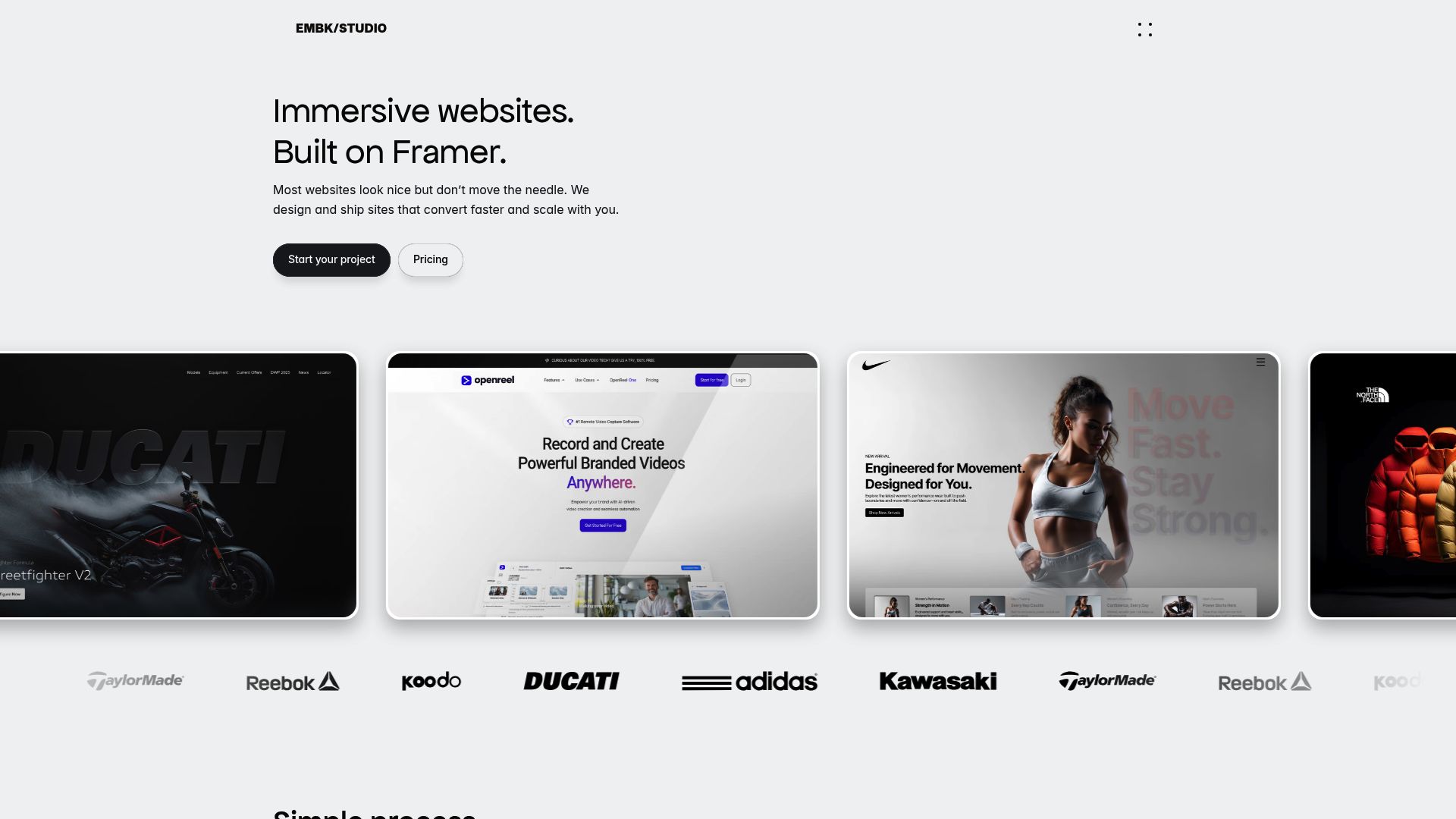
Startups working with EMBK/STUDIO benefit from strategic audits and data-driven optimizations, ensuring every framer canvas project is both visually compelling and business-focused. With a track record of helping investor-backed startups scale quickly, and as an official Framer partner trusted by over 20,000 agencies and tech firms, EMBK/STUDIO exemplifies the strategic advantages of expert framer canvas implementation.
Future Trends: What’s Next for Framer Canvas?
The future of framer canvas is bright, with a wave of innovation reshaping how designers create and collaborate. As we look ahead to 2025, rapid advancements are bringing new capabilities, smarter workflows, and deeper integrations. Let’s explore the next generation of trends set to define framer canvas and elevate your design process.
AI-Powered Design Tools in Framer Canvas
Artificial intelligence is revolutionizing framer canvas, making design faster and more intuitive. In 2025, AI-driven features are embedded throughout the platform, delivering layout suggestions, content generation, and automated design refinements. Imagine starting a new project and instantly receiving tailored templates or auto-generated wireframes.
For example, AI-generated layouts speed up ideation by offering ready-to-edit structures based on your project brief. Content suggestions help fill in text or imagery, reducing repetitive work. According to Framer's Spring 2025 Feature Enhancements, these AI tools are transforming framer canvas into a creative partner, not just a workspace.
This shift means designers can focus more on vision and less on manual setup. As AI evolves, expect framer canvas to offer even smarter automation and deeper creative support.
Enhanced Collaboration and Remote Work Support
Collaboration is at the heart of framer canvas, and 2025 brings an array of features designed for distributed teams. Real-time multi-user editing allows designers worldwide to co-create within the same project, seeing updates instantly.
Integrated feedback tools, threaded comments, and live cursor presence make remote communication seamless. Teams can assign tasks, resolve feedback, and iterate together, regardless of location. Framer canvas also supports async workflows, letting contributors work at their own pace while maintaining project continuity.
With enhanced collaboration, framer canvas empowers global teams to move quickly and stay aligned, transforming how modern design work unfolds.
Integrations with Third-Party Platforms
The power of framer canvas is amplified by its growing ecosystem of integrations. Designers can now connect their projects to popular CMS platforms, analytics dashboards, and marketing tools without leaving the canvas.
Integration Type | Example Platforms |
|---|---|
Content Management | WordPress, Contentful |
Analytics | Google Analytics, Mixpanel |
Marketing Automation | HubSpot, Mailchimp |
Embedding analytics dashboards directly into framer canvas projects streamlines performance tracking. This connectivity means design and data live side by side, enabling faster iteration and data-driven decisions.
These integrations ensure framer canvas remains central to your digital workflow, connecting creativity with measurable outcomes.
Evolving Role of Framer in Product Design Ecosystems
In 2025, framer canvas stands out among leading design tools like Figma and Adobe XD. Its unique blend of rapid prototyping, code export, and advanced animation gives it a competitive edge.
Recent industry reports highlight a growing market share for framer canvas, especially among startups and agencies seeking speed and flexibility. More teams are choosing framer canvas for its intuitive interface and robust feature set.
This evolution positions framer canvas as a core platform in product design, driving both innovation and efficiency for design-centric organizations.
Community-Driven Innovation and Resources
The framer canvas community is thriving, fueling a wave of shared resources and innovation. Designers contribute plugins, templates, and interactive assets, expanding what’s possible with every project.
Popular 2025 resources include:
Pre-built animation libraries
Responsive layout kits
Accessibility plugins
Community-driven tutorials
These assets help both newcomers and experts accelerate their workflow. By leveraging the collective expertise of the framer canvas community, users can solve challenges faster and stay ahead of industry trends.
Preparing for the Next Big Updates
Looking forward, the framer canvas roadmap teases even more powerful features. Upcoming updates may include advanced AI-driven design, deeper code integration, and smarter asset management.
To future-proof your workflow, stay engaged with official release notes and community forums. Adopting new framer canvas features early ensures your process remains agile and competitive.
Continuous learning and adaptation will be key as framer canvas continues to evolve, keeping your design skills sharp and your projects at the forefront of innovation.
Now that you have a clear roadmap for mastering Framer Canvas in 2025—from the core concepts to advanced techniques and real-world best practices—you might be wondering how to turn this knowledge into results for your own startup. If you’re ready to accelerate your launch, improve conversions, or simply want expert guidance on building high-performance websites and brands, I invite you to take the next step. Let’s connect and discuss how your team can leverage Framer’s full potential. Book a Free Discovery Call to explore tailored solutions for your growth goals.

Blog / Newsletter