Sites Layout Guide: Expert Strategies for 2025

Hi, I'm James
I help startups turn confusing websites into conversion-ready ones in under 30 days.
100+ projects delivered
Worked with funded startups
Framer + UX specialist
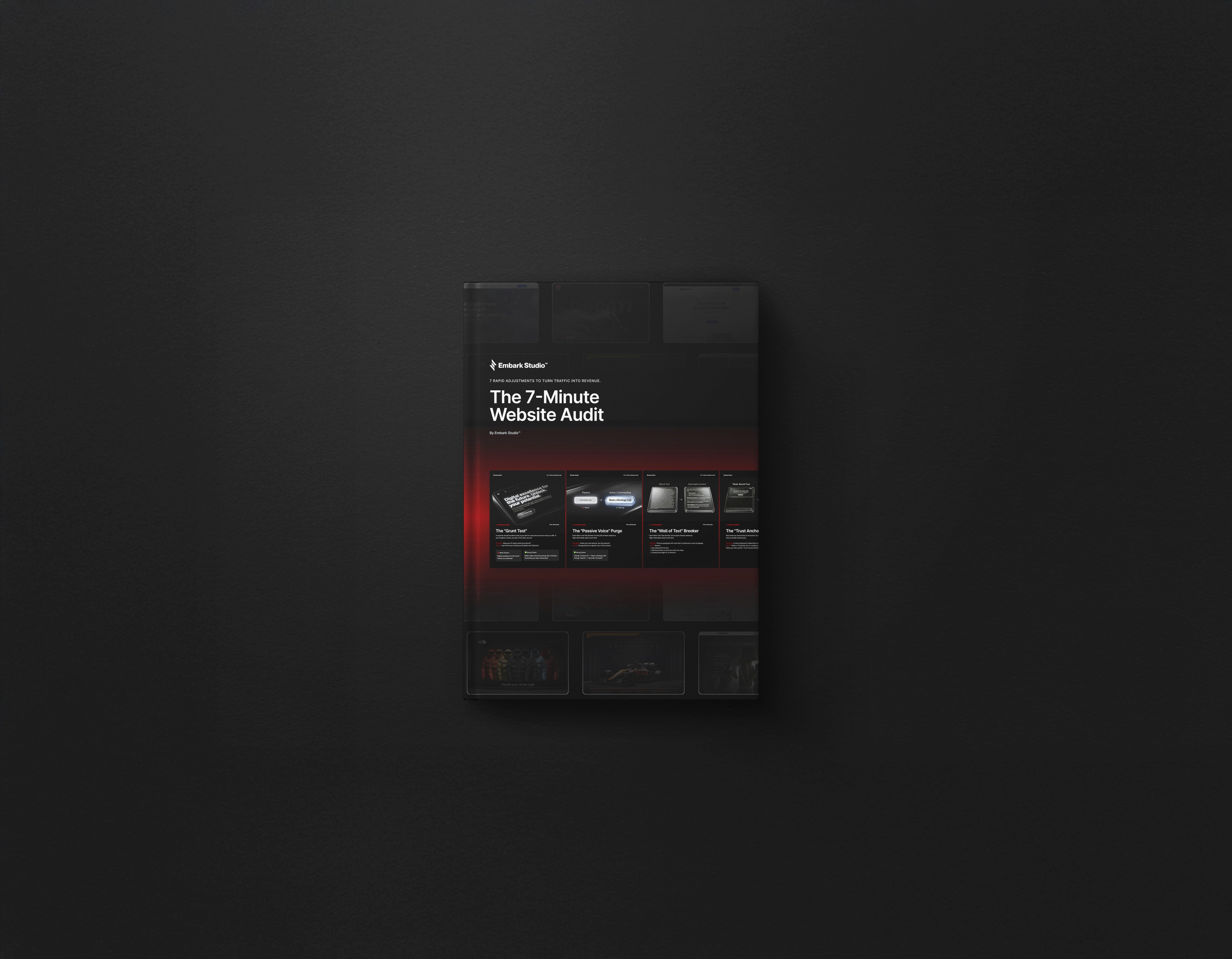
7-Minute Website Fix Guide
Instant, high-impact fixes to improve clarity, trust, and conversions on your website.
View Our Services
Fast, high-quality Framer builds or Product Design to help startups ship and scale confidently.
Design Resources
Premium components, frameworks, and overrides for faster, better builds.
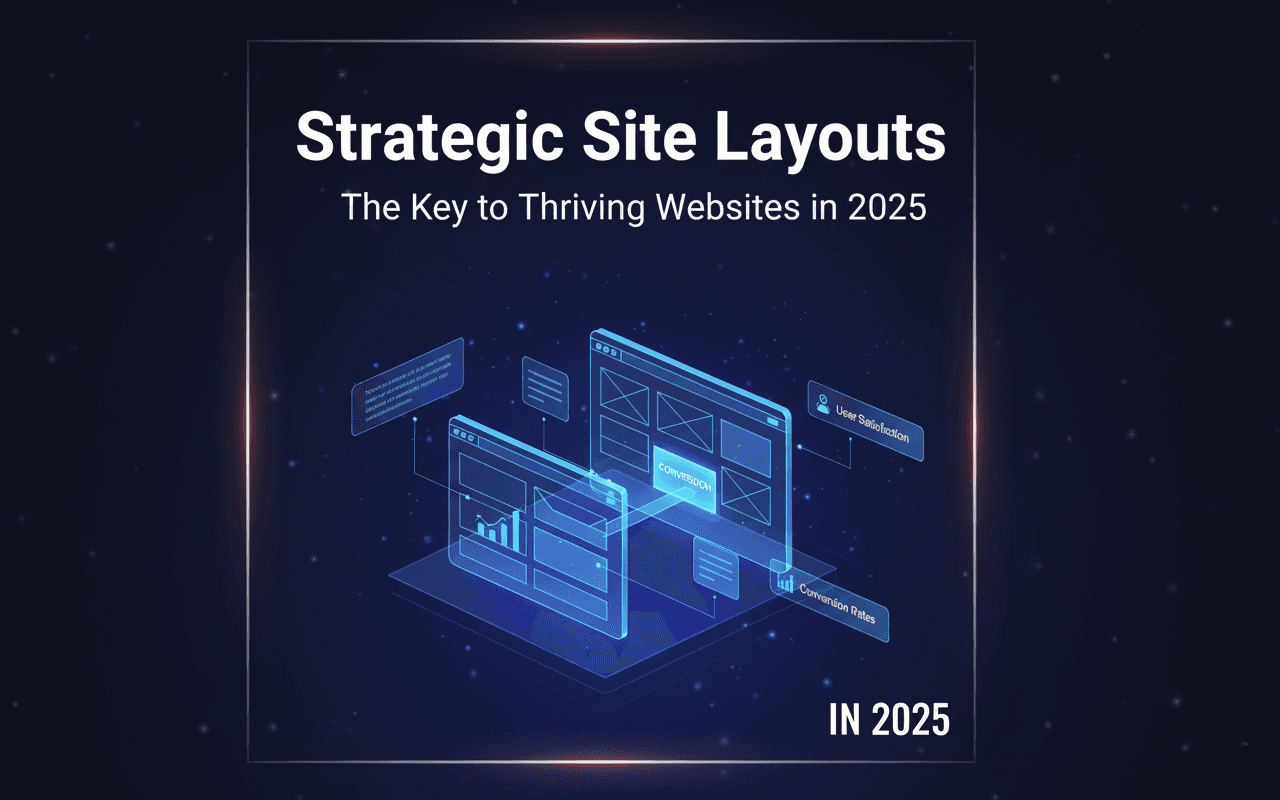
In 2025, the difference between a thriving website and one that gets overlooked often comes down to a strategic sites layout. As digital experiences evolve, the way you structure your site directly influences user satisfaction and conversion rates.
In 2025, the difference between a thriving website and one that gets overlooked often comes down to a strategic sites layout. As digital experiences evolve, the way you structure your site directly influences user satisfaction and conversion rates.
This guide provides expert-backed strategies for crafting a sites layout that not only meets modern user expectations but also drives measurable business results. Whether you’re a startup, designer, or business owner, you’ll find actionable techniques to boost engagement, improve SEO, and maximize ROI.
Ready to future-proof your online presence? Explore the latest trends, essential UX/UI principles, responsive design methods, and practical tools—ensuring your sites layout is built to succeed in 2025.
The Evolution of Site Layouts: 2025 Trends & Insights
The digital landscape is evolving rapidly, and so is the way users interact with sites layout. In 2025, staying ahead means understanding how trends, technology, and user needs shape the foundation of every high-performing website. Let’s explore the critical shifts and expert insights redefining sites layout for the year ahead.
Shifting User Expectations and Behavior
User expectations for sites layout are more demanding than ever. Mobile-first and cross-device browsing have become the norm, with over 70% of web traffic now originating from mobile devices (Statista, 2024).
Personalized and adaptive layouts are no longer optional. Gen Z and Alpha users expect seamless experiences tailored to their habits—quick loading, intuitive navigation, and content that adapts in real time. This shift is pushing designers to rethink sites layout for flexibility and speed, ensuring every visitor stays engaged regardless of device or context.
Visual Hierarchy and Minimalism
Effective sites layout now prioritizes clarity and intent. Visual hierarchy uses size, color, and spacing to guide attention, making important content stand out instantly. Minimalism takes center stage, with designers embracing generous whitespace, clean typography, and simplified navigation.
Apple’s homepage exemplifies this trend, setting the benchmark for minimalist design. By stripping away clutter, the sites layout draws focus to core messages and calls to action, resulting in a smoother and more persuasive user journey. The result is a website that feels both modern and effortless to use.
AI and Automation in Layout Design
AI is transforming how sites layout is conceived and executed. Advanced tools like Wix and Framer now offer AI-powered layout generators, enabling rapid prototyping and dynamic content blocks that adjust to user behavior.
Machine learning algorithms personalize layouts, presenting users with content they’re most likely to engage with. For a deeper dive into how AI is revolutionizing sites layout, explore AI in website design 2025. These innovations streamline workflows and ensure every visitor’s experience is both efficient and tailored.
Accessibility and Inclusive Design
Inclusive sites layout is now a business imperative, not just a best practice. Adhering to WCAG 2.2 standards ensures your site is accessible to all, including users with neurodiverse backgrounds and varying abilities.
With 15% of the global population experiencing some form of disability (WHO), accessible design broadens your audience and protects against legal risks. Features like high-contrast text, keyboard navigation, and descriptive ARIA labels are now essential components of any modern sites layout.
Data-Driven Decision Making
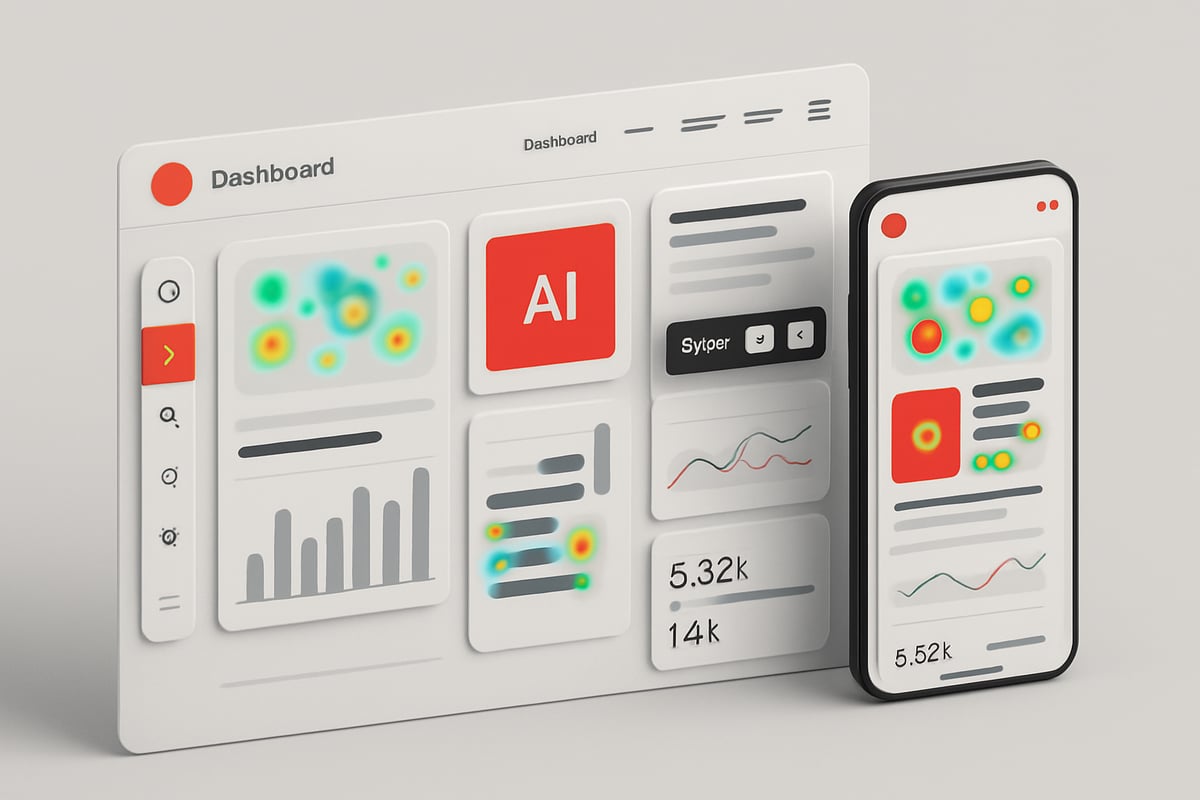
Optimizing sites layout is an ongoing process fueled by data. Heatmaps, A/B testing, and analytics reveal how users interact with your pages, highlighting areas for improvement.
Iterative enhancements, inspired by Booking.com’s relentless experimentation, allow businesses to refine layouts based on real-world feedback. By leveraging data, you ensure your sites layout continually adapts to changing user behaviors, maximizing engagement and conversion rates.
Core Principles of High-Performance Site Layouts
A high-performance sites layout is built on proven principles that drive engagement, usability, and conversions. These fundamentals help ensure your website not only looks great but also delivers measurable results across devices and audiences.
User-Centric Design Fundamentals
Every successful sites layout begins with understanding the user. Empathy mapping lets teams visualize user needs, frustrations, and motivations. User journey mapping outlines the steps a visitor takes, revealing pain points and opportunities.
Aligning the sites layout with target audience behaviors is essential. For example, Airbnb optimized its user flow by simplifying booking steps and tailoring content to different traveler personas. This approach boosts engagement and satisfaction.
To foster loyalty, continuously gather user feedback and iterate on design decisions. A sites layout that revolves around real user data always outperforms assumptions.
Visual Hierarchy and Content Prioritization
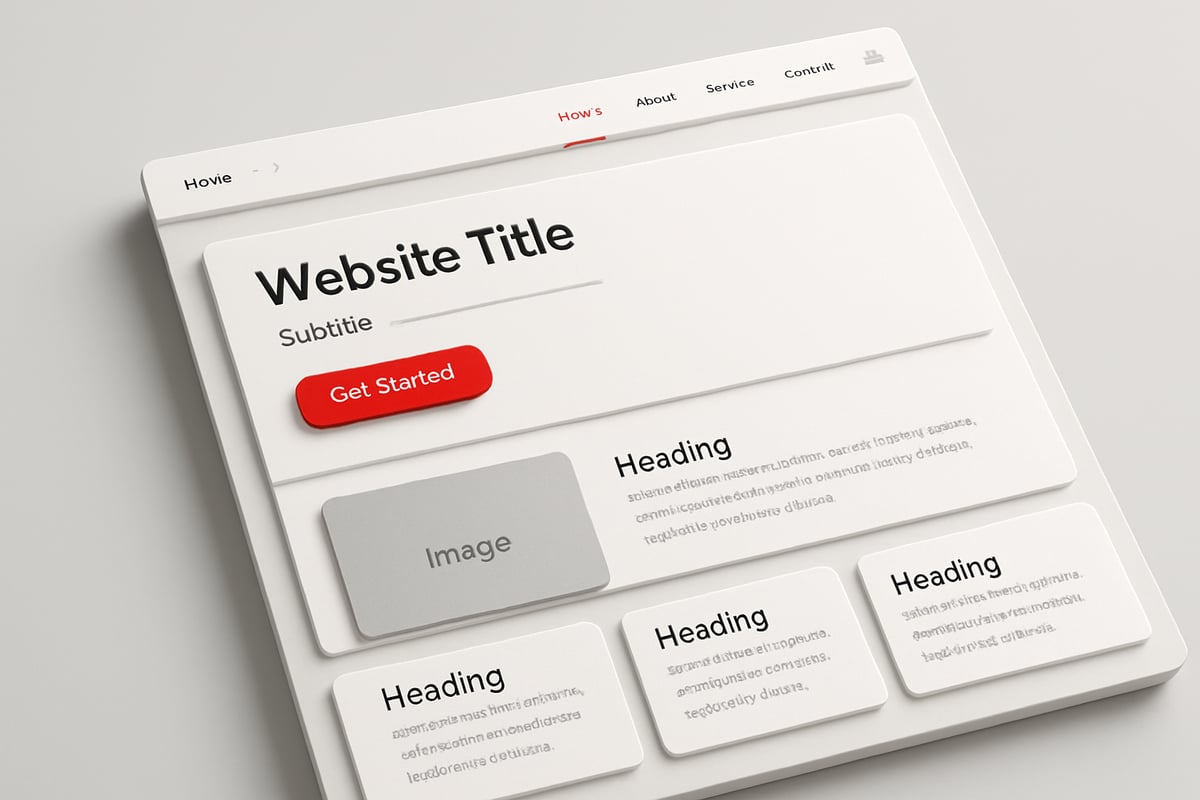
A strategic sites layout uses size, color, and spacing to guide attention to what matters most. Establish a clear path for users, starting with headlines and moving through supporting content to calls-to-action (CTAs).
Effective layouts prioritize above-the-fold CTAs, with research from Nielsen Norman Group showing up to 84% higher conversions. Use whitespace to separate elements, ensuring the page never feels crowded.
Organize content into digestible sections, allowing visitors to scan and find key information quickly. The right visual hierarchy transforms a sites layout into a compelling user journey.
Navigation Best Practices
Navigation is the backbone of a seamless sites layout. Sticky headers keep important links visible as users scroll. Mega menus help organize complex content, while hamburger menus offer a clean solution for mobile users.
Intuitive breadcrumb trails show users where they are within the site. Search bars and advanced filtering options further enhance usability. Amazon’s layered navigation system is a leading example of scalable, user-friendly navigation.
A well-structured sites layout ensures visitors never feel lost, encouraging exploration and reducing bounce rates.
Consistency and Branding
Consistency is crucial for a cohesive sites layout. Use a unified set of typography, color palettes, and imagery to reinforce your brand identity. Every touchpoint should feel familiar, whether on desktop or mobile.
Spotify exemplifies this principle, maintaining a consistent UI across its web and app platforms. This builds trust and makes the brand instantly recognizable.
Brand guidelines support designers in keeping the sites layout aligned with business goals, ensuring every page contributes to a unified digital presence.
Responsive and Adaptive Layouts
Modern users expect a seamless experience on any device. A responsive sites layout uses fluid grids, flexible images, and defined breakpoints to adapt content for screens of all sizes. Mobile-first strategies are more important than ever, with 94% of users judging sites by their responsiveness (Google, 2023).
For a deeper dive, explore Responsive web design essentials, which covers the foundational techniques of adaptive design.
Testing sites layout across devices ensures accessibility and satisfaction, regardless of how users connect.
Performance and Speed Optimization
Speed is a silent driver of sites layout success. Techniques such as lazy loading, image compression, and code minification keep load times low. Google’s Core Web Vitals directly impact SEO, making performance non-negotiable.
BBC’s improvements to their sites layout led to a 10% reduction in bounce rates by optimizing performance. Regularly monitor metrics and address bottlenecks to maintain a competitive edge.
A fast, efficient sites layout delights users and maximizes conversions, underscoring the value of continual optimization.
Step-by-Step Guide to Designing a Winning Site Layout
Designing an effective sites layout in 2025 demands a strategic, user-focused approach. Each phase in the process builds toward a seamless, high-performing website that stands out in the digital landscape. Follow these actionable steps to create a layout that engages, converts, and scales with your goals.
Step 1: Define Goals and Audience
Start your sites layout journey by identifying clear, measurable objectives. Are you aiming for increased lead generation, higher sales, or improved user retention? Define these outcomes upfront.
Next, build detailed user personas. Understand who will use your site, their pain points, and what motivates them. Mapping user journeys can reveal touchpoints and friction areas in your sites layout.
Use this data to ensure every design decision aligns with business goals and audience needs. This foundation will guide all subsequent steps, keeping your project focused and effective.
Step 2: Create Wireframes and Prototypes
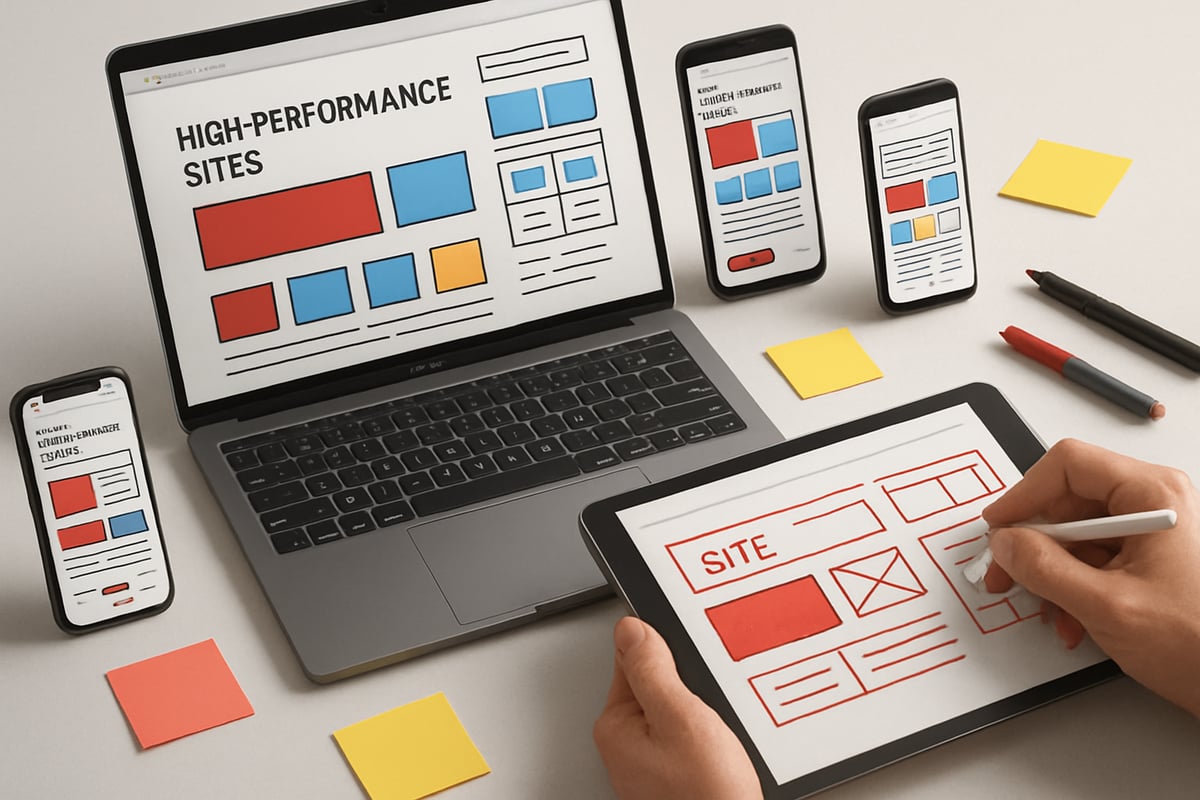
Begin sketching your sites layout with low-fidelity wireframes. These basic blueprints help visualize structure and content flow without distractions. Tools like Figma, Sketch, and Adobe XD make rapid prototyping accessible for teams.
Iterate quickly—share wireframes for feedback, adjust layouts, and refine interactions. For inspiration and advanced frameworks, explore Advanced Framer templates for layouts, which showcase practical, AI-powered layout solutions.
By prototyping early, you minimize costly revisions later and ensure stakeholder alignment from the start.
Step 3: Establish Visual Hierarchy and Grid Systems
A strong sites layout uses visual hierarchy to guide attention. Start by choosing a grid system—12-column, CSS Grid, or Flexbox—to maintain structure and consistency.
Layer content by importance. Headlines, key visuals, and CTAs should stand out. Use size, contrast, and color strategically to highlight critical elements.
A well-defined grid not only organizes content but also creates a sense of order that feels intuitive to users. This clarity boosts engagement and helps users navigate your sites layout seamlessly.
Step 4: Design Navigation and Menus
Navigation is the backbone of any successful sites layout. Decide whether a top, side, or bottom menu best suits your content and audience.
Incorporate intuitive elements like sticky headers, breadcrumbs, and search bars to aid discovery. For content-rich sites, consider mega menus or expandable hamburger menus to keep navigation streamlined yet comprehensive.
Test navigation flows with real users. Clear, accessible menus reduce frustration and help visitors explore your sites layout with confidence.
Step 5: Optimize for Mobile and Responsive Design
With mobile traffic dominating, every sites layout must excel across devices. Design touch-friendly buttons, flexible images, and scalable fonts to ensure usability on any screen.
Test your layout on various devices and viewports. Use fluid grids and responsive breakpoints to adapt content for mobile, tablet, and desktop seamlessly.
Prioritizing responsive design not only enhances user experience but also boosts SEO. Users expect your sites layout to work flawlessly wherever they land.
Step 6: Integrate Accessibility from the Start
Accessibility is non-negotiable in a modern sites layout. Use semantic HTML tags and ARIA labels to improve screen reader compatibility.
Check color contrast and font sizes to support users with visual impairments. Ensure all interactive elements are keyboard-navigable.
Proactively building accessibility ensures your sites layout serves everyone, reduces legal risks, and aligns with global standards.
Step 7: Test, Measure, and Iterate
Testing is the final—and ongoing—step in refining your sites layout. Conduct usability tests with real users to identify pain points and areas for improvement.
Leverage analytics to track user behavior, page performance, and conversion rates. Use heatmaps and A/B testing to validate changes.
Iterate based on data, not assumptions. Continuous improvement ensures your sites layout remains competitive and aligned with evolving user expectations.
Tools and Technologies Shaping Site Layouts in 2025
Mastering the right tools and technologies is essential for crafting a high-impact sites layout in 2025. The digital landscape is rapidly evolving, and the platforms you choose directly affect design agility, collaboration, performance, and accessibility. Below, we explore the most influential solutions shaping modern web experiences.
Modern Design Platforms and Builders
Creating a standout sites layout begins with robust design platforms. In 2025, tools like Framer, Webflow, and Editor X lead the way, offering intuitive drag-and-drop builders, real-time previews, and seamless code export. These platforms empower designers to iterate quickly and experiment with responsive grids, dynamic content, and visually engaging interfaces.
AI-assisted features are now standard, with platforms integrating smart layout suggestions and automated asset optimization. For inspiration, many professionals turn to resources like UI design site inspirations, which showcase leading examples of visual hierarchy and innovative layouts. Leveraging these tools ensures your sites layout remains both modern and highly functional.
Collaboration and Feedback Solutions
Effective collaboration is critical for sites layout success, especially as remote and distributed teams become the norm. Asynchronous platforms such as Slack, Miro, and Notion streamline discussions, share design assets, and organize feedback efficiently. Real-time tools enable seamless co-editing and version control, reducing bottlenecks and ensuring everyone stays aligned.
Designers and stakeholders can annotate prototypes directly, track revisions, and resolve issues quickly. By integrating feedback loops into the workflow, your sites layout process becomes more agile and responsive to change. These solutions foster a culture of transparency and continuous improvement across multidisciplinary teams.
Performance and Analytics Tools
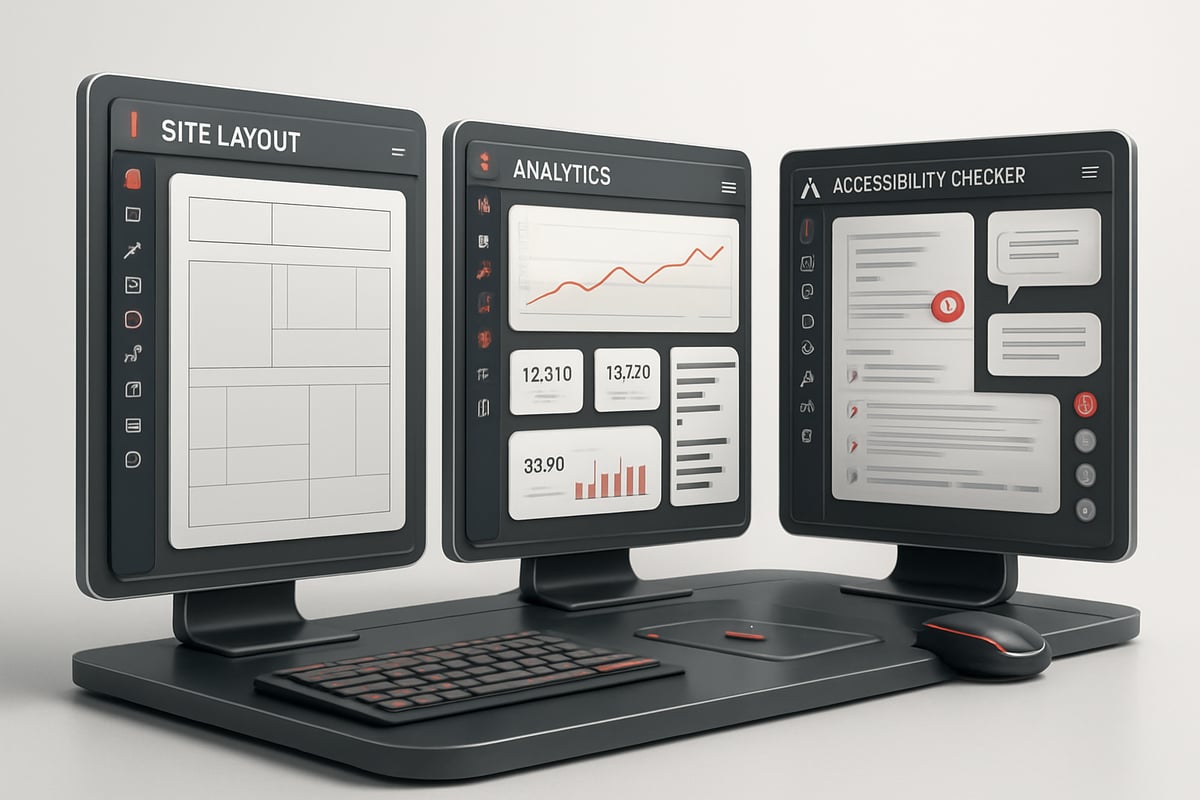
A high-performing sites layout demands rigorous testing and optimization. Tools like Google Lighthouse and GTmetrix provide actionable insights into site speed, helping teams identify bottlenecks and improve load times. These platforms evaluate metrics such as Largest Contentful Paint, Total Blocking Time, and Cumulative Layout Shift, which directly impact user experience and SEO.
Behavioral analytics tools, including Hotjar and Crazy Egg, visualize how users interact with your layouts through heatmaps and session recordings. This data-driven approach reveals which elements capture attention and where improvements are needed. By leveraging these insights, you can refine your sites layout for maximum engagement and conversion.
Accessibility and Compliance Checkers
Ensuring every sites layout is accessible is both a legal and ethical imperative in 2025. Automated tools like WAVE, axe, and the Lighthouse accessibility audit help designers detect and address barriers for users with disabilities. These solutions scan for issues related to color contrast, semantic structure, ARIA labels, and keyboard navigation.
Maintaining compliance with WCAG 2.2 standards protects your organization from potential lawsuits and expands your audience reach. Integrating accessibility checks early and often ensures your sites layout is inclusive and future-ready. Regular audits and documentation foster a culture of responsibility and continuous evolution in web design.
Real-World Examples and Case Studies
Looking at real-world sites layout implementations reveals which strategies truly drive results. By examining leaders across industries, you can see how expert layout choices turn visitors into loyal users. Each example below offers unique lessons for startups, enterprises, and e-commerce brands aiming to outperform in 2025.
High-Converting Startup Websites
For startups, a sites layout that prioritizes clarity and conversion is essential. Stripe’s homepage redesign is a prime example. By embracing a minimalist design, Stripe focused attention on its core value proposition and clear call-to-action buttons. This approach led to a 22% increase in signups, proving the power of intentional layout.
Startups should note how Stripe leverages whitespace, concise messaging, and a straightforward user journey. Adopting Minimalist Web Design Principles can help startups create layouts that feel modern and reduce friction for users. These principles are not just visually appealing but also optimize performance and usability—key for early-stage growth.
Enterprise Site Layout Innovations
Enterprises face unique challenges due to scale and complexity. Salesforce excels by using a modular sites layout system. Each product area is organized with consistent modules, making navigation intuitive even across vast offerings.
A standout feature is Salesforce’s global navigation, enabling users to switch between products seamlessly. This scalable approach ensures that as new tools are added, the overall structure remains clean and user-friendly. For large organizations, investing in a modular sites layout supports long-term growth and adaptability, keeping user experience consistent at every touchpoint.
E-Commerce Layout Excellence
E-commerce success hinges on seamless product discovery and checkout. Gymshark’s sites layout features a dynamic product grid and simplified checkout flow. After a recent redesign, Gymshark saw a 50% reduction in cart abandonment rates.
Their approach includes prominent filters, mobile-friendly design, and minimal distractions during the purchase process. By focusing on usability and adopting elements of minimalist design, e-commerce brands can streamline the path from landing page to purchase. A well-executed sites layout removes barriers and enhances customer satisfaction, leading to higher conversions.
Lessons from Failed Layouts
Not every sites layout delivers positive outcomes. Early Myspace, despite its popularity, suffered from overwhelming customization options and a cluttered interface. Users faced slow load times and confusing navigation, leading to frustration and eventual decline.
Common pitfalls to avoid include:
Overly dense content and visual clutter
Poor mobile responsiveness
Slow page speeds
Inconsistent branding elements
Learning from these mistakes, modern sites layout strategies prioritize clarity, speed, and adaptability. By avoiding these errors, you position your site for sustainable success in 2025.
Future-Proofing Your Site Layout Strategy
Staying ahead in the digital landscape means future-proofing your sites layout with a proactive, adaptive approach. As technology and user preferences evolve rapidly, continuous improvement is essential to maintaining a competitive edge.
Embracing Continuous Improvement
A truly resilient sites layout thrives on ongoing feedback and iteration. Establish a robust feedback loop by integrating analytics, heatmaps, and user testing into your workflow. Regularly review site performance metrics to uncover usability bottlenecks and conversion opportunities.
Short, frequent improvement cycles allow you to adapt swiftly to new user behaviors and device trends. Encourage team collaboration and cross-functional input, ensuring your sites layout remains aligned with business goals and user expectations. By fostering a culture of experimentation, you can pivot quickly and stay ahead of competitors.
Preparing for Emerging Technologies
Looking forward, the next wave of innovation is poised to reshape how users interact with sites layout. Technologies like AR, VR, and voice interfaces are moving from concept to reality, introducing new ways to engage audiences.
To prepare, design with modularity and flexibility in mind. Consider how your layout might adapt to spatial web experiences or integrate with voice commands. Stay informed about upcoming tech trends and invest in skill development for your team. By anticipating and embracing change, your sites layout will remain relevant and accessible to a wider audience.
Building Scalable and Maintainable Layouts
Sustainable growth hinges on a sites layout that’s easy to update and scale. Component-based design systems simplify maintenance, enabling you to roll out changes efficiently across pages and platforms.
Document your layout patterns and maintain a living design system library. Prioritize accessibility and inclusive design from the ground up, referencing Accessibility and Inclusive Design best practices to ensure everyone can access your content. Ultimately, a well-structured, future-ready sites layout delivers long-term value, adaptability, and compliance.
With everything we’ve explored about modern layout strategies and staying ahead in 2025, you might be wondering how to tailor these insights to your own startup’s goals. At EMBK/STUDIO, we specialize in translating these expert approaches into high-converting, scalable websites that drive real growth. If you’re ready to see how a well-crafted site layout can boost your brand, streamline user experience, and maximize ROI, let’s connect. I invite you to Book a Free Discovery Call so we can discuss your unique vision and map out a strategy that sets you up for success.

Blog / Newsletter