7 Essential Framer Design System Features for 2026
Jan 25, 2026
James Rhodes

Hi, I'm James
I help startups turn confusing websites into conversion-ready ones in under 30 days.
100+ projects delivered
Worked with funded startups
Framer + UX specialist
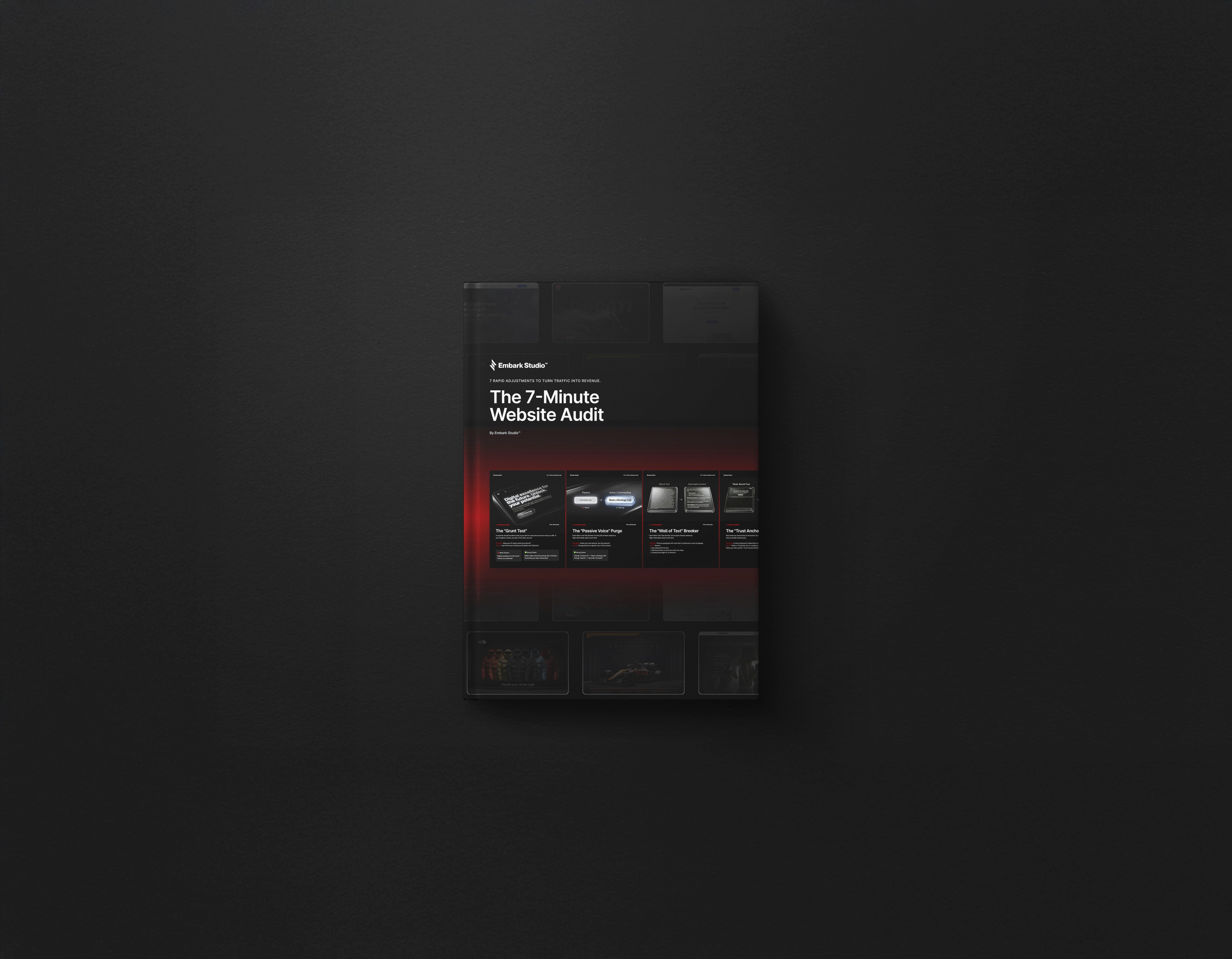
7-Minute Website Fix Guide
Instant, high-impact fixes to improve clarity, trust, and conversions on your website.
View Our Services
Fast, high-quality Framer builds or Product Design to help startups ship and scale confidently.
Design Resources
Premium components, frameworks, and overrides for faster, better builds.
Discover 7 essential Framer design system features for 2026 that boost clarity, adaptability, and speed. Future proof your workflow with expert insights.
Scaling digital product design is tough. Many teams still think the right tool can solve every challenge. But as the landscape shifts faster than ever, this belief falls short.
To stay ahead, you need a framer design system that brings clarity, rhythm, and adaptability to your workflow. The right system doesn’t just follow trends, it sets the pace—leveraging AI for speed while keeping human creativity at the core.
In this article, discover the 7 essential framer design system features for 2026. See how each one works in real UI, why it matters, and the deeper psychology behind every design choice.
Ready to rethink your approach to scaling design? Let’s explore what matters most for tomorrow’s high-performance teams.
The Rise of Modern Design Systems in Framer
The digital landscape moves at breakneck speed. Old habits die hard, and many still believe that using a framer design system means picking from static UI kits. That thinking creates friction, chaos, and lost time as products evolve.
Design today is about building living, evolving systems. Leading SaaS brands rely on a framer design system to maintain sharp consistency, even as their products change weekly. Real UI teams use these systems to launch faster, iterate daily, and keep their brand unified. The secret lies in clarity and rhythm—well-structured spacing, repeatable patterns, and a visual hierarchy that guides users effortlessly. No wonder over 8,000 professionals trust framer design system workflows for speed and flexibility.
Why Framer Design Systems Matter in 2026
A framer design system marks the shift from rigid, one-off screens to dynamic, reusable logic. Static kits quickly fall apart as products scale, while living systems adapt and grow. This approach ensures visual consistency across every touchpoint, no matter how fast the roadmap moves.
Consider a SaaS team using a framer design system for rapid feature launches. Instead of rebuilding buttons and layouts, they remix proven components, saving hours and reducing errors. Clarity and rhythm in their interface lower cognitive load, helping users focus and convert.
Core Principles: Systems Over Screens
The heart of any scalable framer design system is systems thinking. Teams move beyond individual screens to architect reusable components, built with atomic design and clear hierarchy. The goal is clarity—minimal, purposeful elements that communicate, not distract.
Studios like Embark Studio champion this mindset, crafting maintainable architectures that stay lean as products grow. Their approach prioritizes clarity over noise, with documentation and modularity at the core. For a deeper dive into modular design principles, see the Essential systems in design guide.
The AI-Accelerated Workflow
AI is transforming how framer design system workflows operate, but it never replaces creative judgment. Instead, AI generates smart variants, surfaces layout suggestions, and automates repetitive tasks. In practice, a designer might use AI to spin up multiple hero section options, then refine the best one by hand.
This speeds up iteration without sacrificing intent. Studios leverage AI for rapid ops, letting humans focus on vision and nuance. The result is a framer design system that adapts at the pace of change, guided by people, accelerated by machines.
Modern workflows require more than tools—they need clear systems and ongoing improvement. That’s why Embark Studio’s frameworks keep evolving, setting the standard for high-performance, scalable design.
7 Essential Framer Design System Features for 2026
Scaling digital products in 2026 demands more than a toolkit. The real challenge is building a framer design system that keeps pace with innovation, clarity, and growth. Below, discover seven features redefining how teams create, iterate, and scale with Framer. Each one solves a unique problem, blending psychology, process, and the right dose of AI.
1. Frameblox UI Kit & Plugin
The Frameblox UI Kit & Plugin is the largest and most frequently updated component library for Framer. Starting at $99 for lifetime access, it delivers daily and weekly updates, drag-and-drop layouts, smart CMS-powered sections, and an automatic color/typography generator.
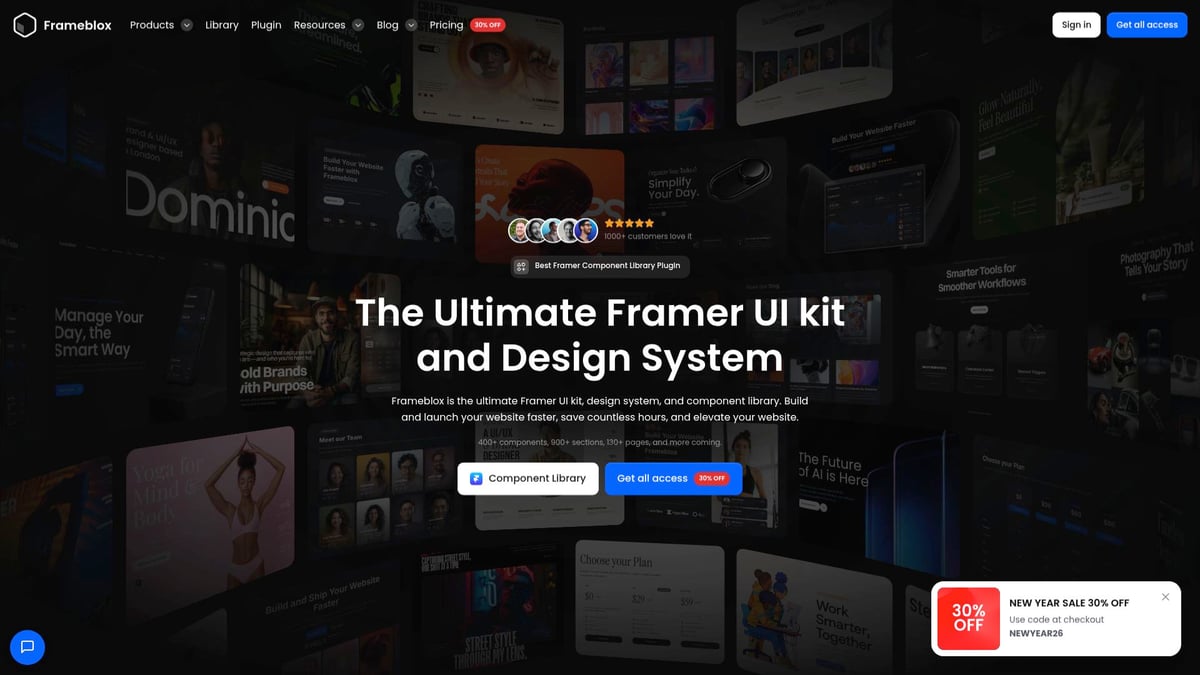
Why does this matter? Most teams struggle with consistency and speed. By using Frameblox, you can launch a SaaS landing page in hours instead of days. The framer design system here reduces cognitive overload by systematizing choices, freeing your team to focus on product strategy.
Install the Frameblox plugin in your Framer workspace.
Select from hundreds of responsive, branded components.
Customize layouts and color schemes instantly with the generator.
Pros: Rapid updates, broad template variety, seamless CMS integration.
Cons: Premium price for full access, may overwhelm beginners.
Studio insight: With Frameblox, clarity beats clutter. The system’s structure guides decision-making, supporting rhythm and brand trust at scale.
2. SegmentUI Design System
SegmentUI sets the standard for accessible, conversion-focused design systems. For $109 (one-time), you get over 1000 components and variants, dynamic color styles, a 4px grid, and lifetime updates. Accessibility is baked into every element.
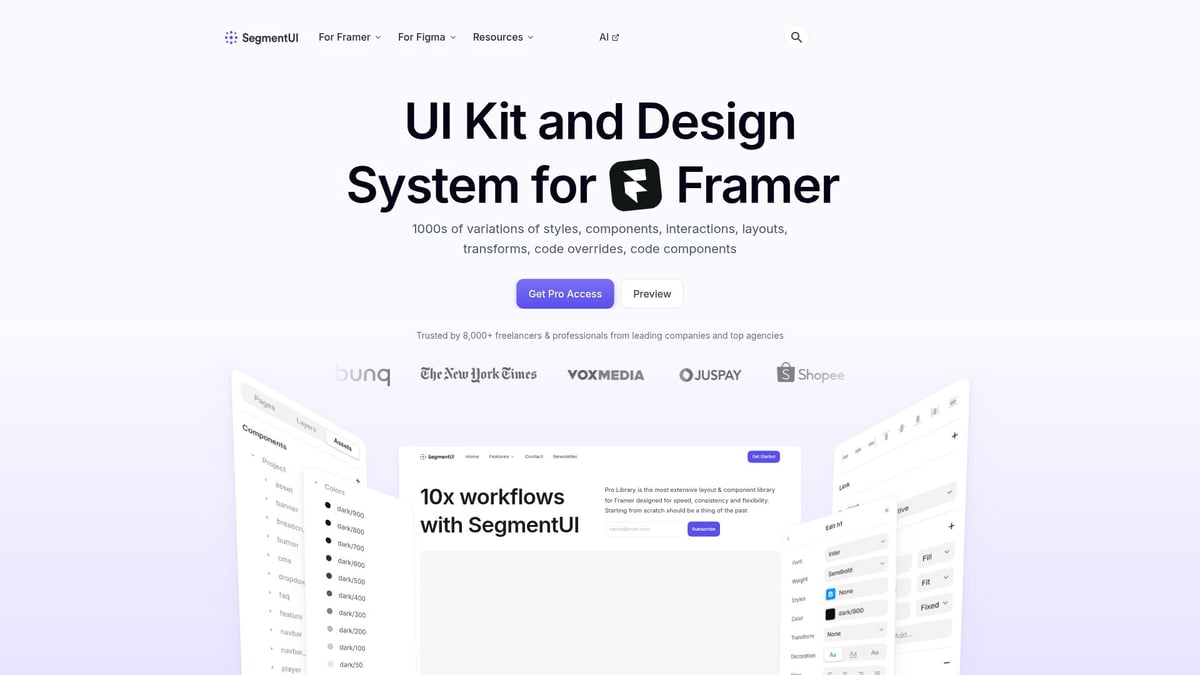
Teams who need to build adaptive dashboards or interfaces with dynamic theming benefit most. The framer design system here is designed for speed and reliability, supporting startups and agencies pushing for continuous improvement.
Import the SegmentUI kit.
Apply dynamic color and grid settings for instant brand alignment.
Build responsive dashboards with accessible components.
Pros: Huge component variety, accessibility-first, ongoing updates.
Cons: Advanced features require Framer proficiency.
Studio perspective: Systems thinking drives SegmentUI. Instead of static handoffs, you get living documentation and logic, supporting iterative workflows and clarity.
3. Kompa Design System
Kompa Design System democratizes high-performing web design with a free plan and premium options from $19/month. Prebuilt components, interactive layouts, and SEO-friendly templates make onboarding fast—even for non-developers.
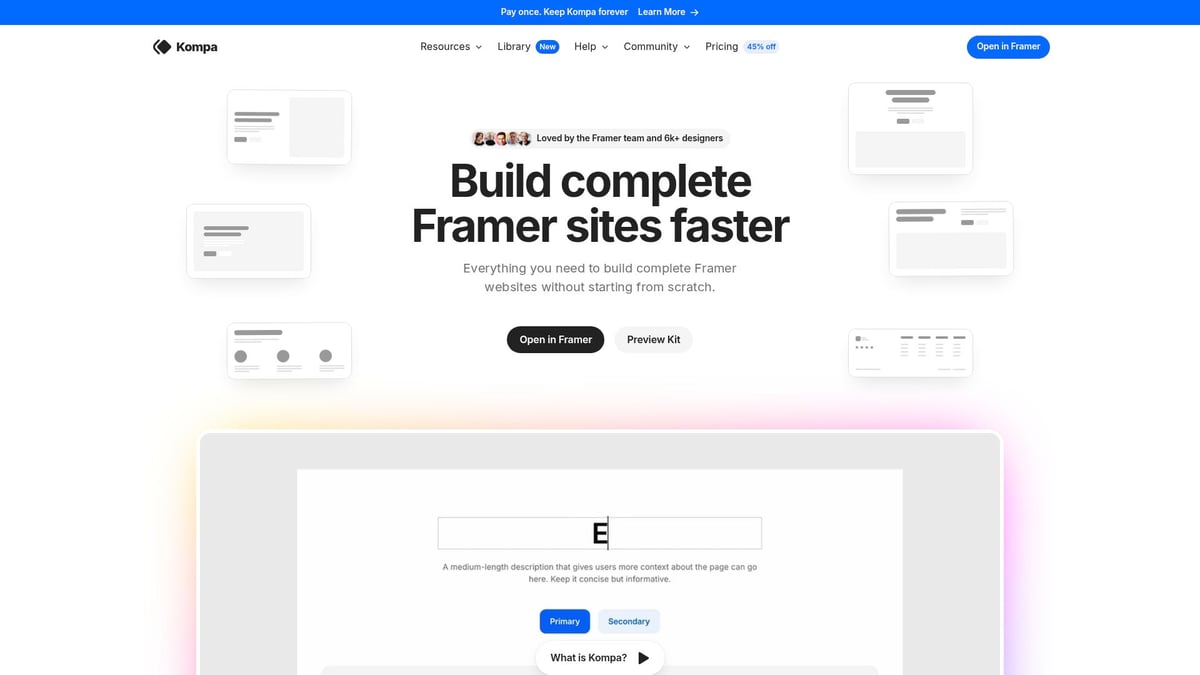
What sets Kompa apart is its AI-powered layout suggestions and rapid prototyping. This framer design system leverages AI to accelerate the early creative process, but always leaves final decisions to human designers. For creators, startups, and entrepreneurs, Kompa means launching a portfolio or landing page with drag-and-drop CMS in minutes.
Select a template or component.
Use the AI assistant to generate layout ideas.
Customize and publish, code-free.
Pros: Low entry barrier, flexible pricing, perfect for non-developers.
Cons: Advanced features require a subscription.
As seen in AI's Role in UX/UI Design Trends for 2026, AI is reshaping design, but creative vision remains irreplaceable. Kompa finds that balance.
4. Framerize UI Kit
Framerize UI Kit brings flexible, drag-and-drop components, a comprehensive style guide, and responsive layouts for $96/year. Its strength lies in supporting iterative workflows for product teams and freelancers who need to move fast without sacrificing quality.
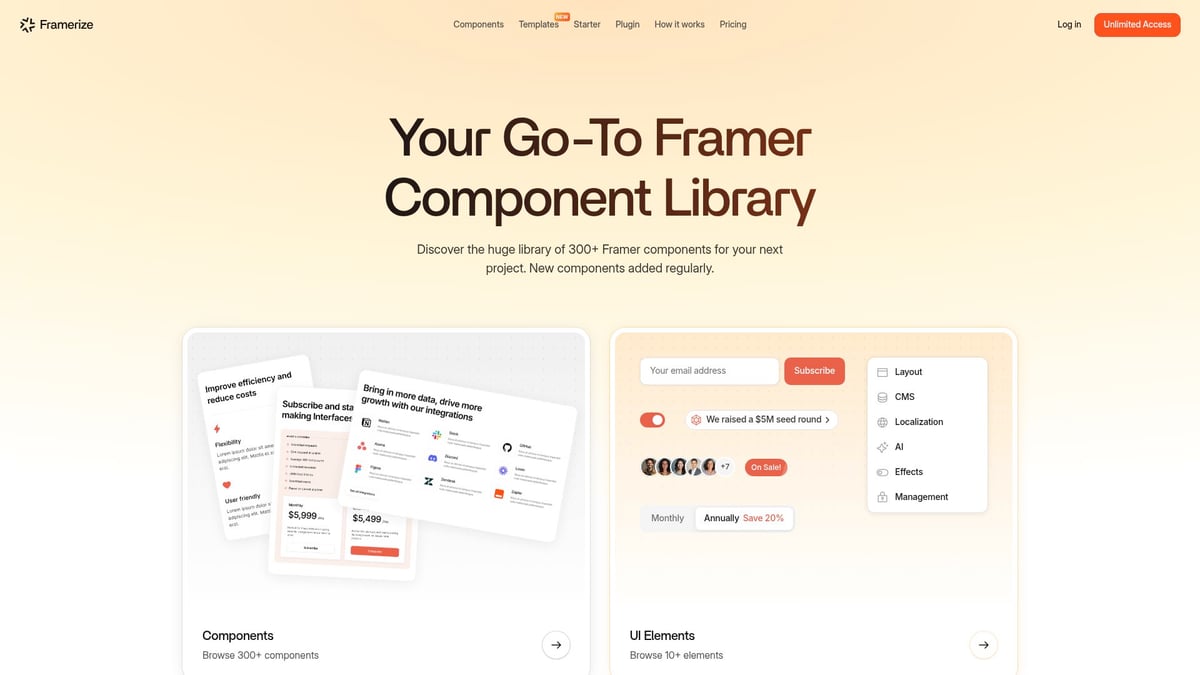
Using this framer design system, you can iterate SaaS dashboard flows by swapping in ready-made sections, all while maintaining consistent typography, color, and rhythm.
Choose a base layout from the style guide.
Drag components into your project.
Tweak details for brand alignment.
Pros: Robust style guide, annual updates, ideal for fast-paced teams.
Cons: Subscription model may not suit all budgets.
Studio insight: Consistency in guides reduces cross-team friction, allowing designers to focus on solving real user problems.
5. Nova UI Kit
Nova UI Kit is the go-to for designers seeking modern, visually captivating layouts at a low entry price (from $9.99). With 400+ ready-made components, modular sections, and animated hero banners, Nova empowers rapid experimentation.
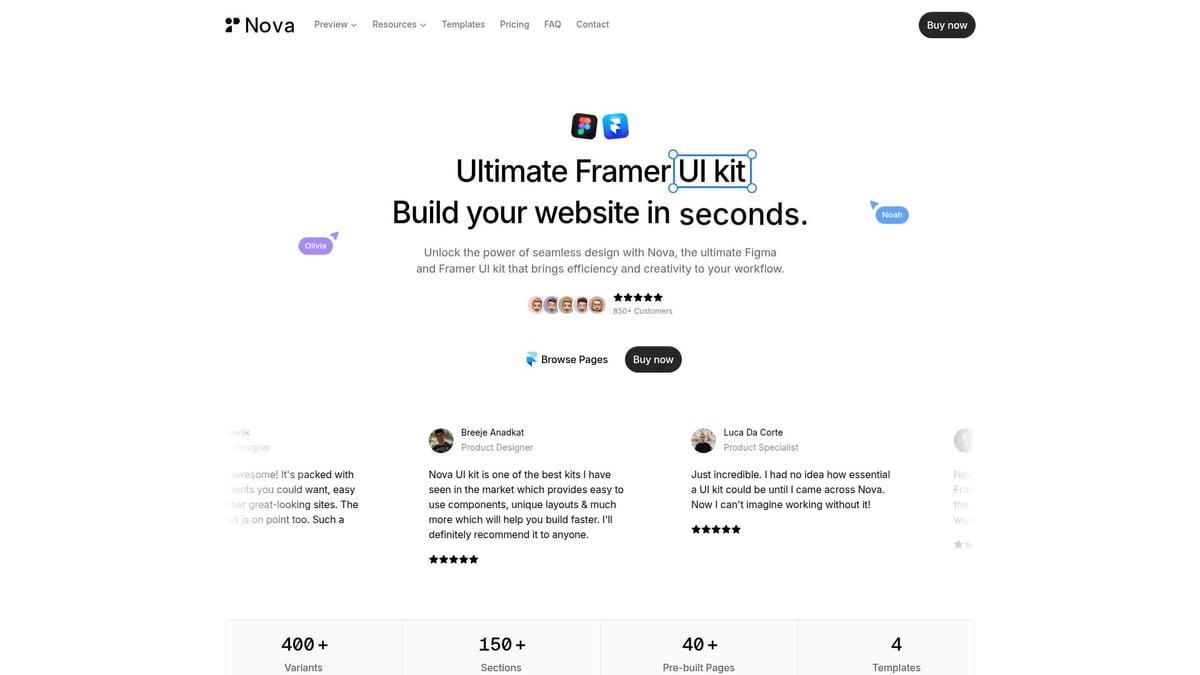
The framer design system here encourages modular thinking. For example, building a marketing site with animated hero sections becomes a process of assembling and customizing, not reinventing. The system’s style supports innovation while keeping visual noise at bay.
Select a pre-designed page or section.
Layer on animations and modular components.
Refine for a contemporary, branded feel.
Pros: Affordable, strong visual appeal, modular.
Cons: Customization needed for complex projects.
Studio perspective: Modular frameworks let you experiment without chaos, keeping the design process fluid and focused.
6. Sort UI
Sort UI is tailored for data-driven products, starting at $79 one-time. It features advanced analytics components, interactive charts, and real-time visualizations. This framer design system is perfect for SaaS platforms, analysts, and business apps needing clarity in complex interfaces.
Visual rhythm is crucial here. Sort UI’s patterns help users process data quickly, supporting faster decision-making.
Import analytics UI patterns.
Connect real-time data sources.
Customize visualizations for clarity and speed.
Pros: Advanced analytics elements, modern UI patterns.
Cons: Niche focus on data-heavy products.
By embedding rhythm and clarity, Sort UI ensures users never feel lost. The system’s structure supports decision-making at every step.
7. Embark Studio™ Continuous Framer Systems
Embark Studio redefines what a framer design system can be. Memberships start at $4,000/month, offering embedded design partnerships, ongoing iteration, and direct access to product architects. The focus is on outcome-driven, scalable web and product experiences.
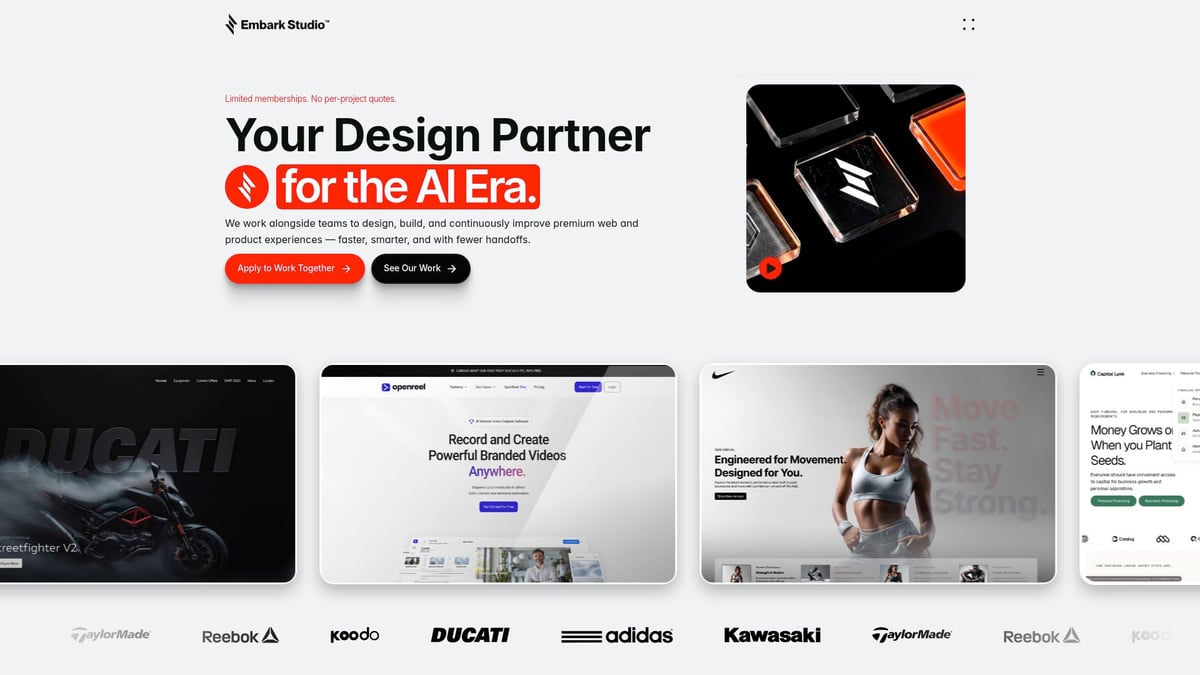
For investor-backed startups and high-velocity teams, Embark Studio delivers clarity, systemization, and continuous improvement. Every design decision is backed by data, psychology, and a relentless pursuit of user trust.
Onboard with a dedicated product architect.
Launch a scalable design system, continuously optimized.
Use AI for rapid iteration, but keep creative oversight human.
Pros: Founder-level strategy, unlimited scope, risk-free trial.
Cons: Premium price, limited memberships.
For teams seeking advanced workflows, Framer experts guide 2026 explores how system-driven thinking shapes modern product launches. Embark Studio is the blueprint for clarity and rhythm in the AI-powered era.
Building for Scale: The Psychology and Rhythm of Framer Systems
Scaling a framer design system is not just about adding more components. The challenge lies in crafting interfaces that feel intuitive and trustworthy, no matter how fast your product evolves. The secret? Understand the psychology behind clarity and rhythm, and build systems that grow without losing their soul.
Clarity, Consistency, and User Trust
A framer design system must create instant trust. Why? Users instinctively recognize patterns and respond to visual order. When every button, card, and heading follows a clear hierarchy, users navigate faster and feel more confident. Spacing and repetition act like a visual metronome, guiding the eye and reducing hesitation.
For example, SaaS teams that standardize button styles see conversion rates rise by as much as 23 percent. Clarity is not just aesthetic, it drives real business outcomes. To master these principles, see how modern teams apply Master modern Framer web design to systemize clarity and rhythm at scale.
Systems Thinking and Continuous Improvement
The backbone of any scalable framer design system is modularity. Systems thinking means every component is built to be reused, extended, and documented. As your team grows, detailed documentation and seamless handoff prevent chaos and keep momentum high.
When a product moves from MVP to enterprise, the design system evolves with it. AI now plays a crucial role, running automated audits and generating variants in seconds. This frees up time for creative strategy, not repetitive tweaks. Embark Studio’s frameworks focus on continuous optimization, ensuring your system adapts as your product matures.
Ready to put these Framer design system insights into action for your own product? If you’re looking to build high-performance, conversion-focused experiences while keeping your team in sync and your design system future-proof, we should connect. At Embark Studio, we partner with ambitious startups to design, iterate, and scale with clarity and speed—using the very principles you just explored. Let’s talk about how we can help your team move faster and smarter in 2026 and beyond.
Discover 7 essential Framer design system features for 2026 that boost clarity, adaptability, and speed. Future proof your workflow with expert insights.

Blog / Newsletter