

The conversation about AI in design has shifted. We're past the "will it replace us" phase and deep into "how do we use this to work better." How designers use AI in 2026 isn't about generating final designs at the push of a button. It's about accelerating the parts of the process that consume time without adding strategic value. The studios and designers winning right now understand AI as a tool for velocity, not a replacement for judgment. They're integrating it into specific workflow moments, cutting production time while maintaining creative control.
The Real AI Stack Designers Actually Use
Most designers aren't using a single AI tool. They're assembling workflows that combine multiple AI capabilities with existing design platforms.
Production acceleration tools handle the repetitive work. Image upscaling, background removal, batch processing, asset generation. These tools eliminate hours of manual labor each week. Designers use them to prepare mockups, create variations, and optimize deliverables without opening Photoshop.
Generative concept tools help explore directions faster. Midjourney, Stable Diffusion, and DALL-E generate visual references, mood boards, and conceptual starting points. Smart designers use these outputs as references, not final work. They inform direction, validate hunches, and expand possibility space before committing to execution.
Writing and content tools handle copy, documentation, and communication. ChatGPT writes first-draft interface copy, generates documentation, and helps structure design presentations. This frees designers to focus on the actual design decisions rather than wordsmithing placeholder text.
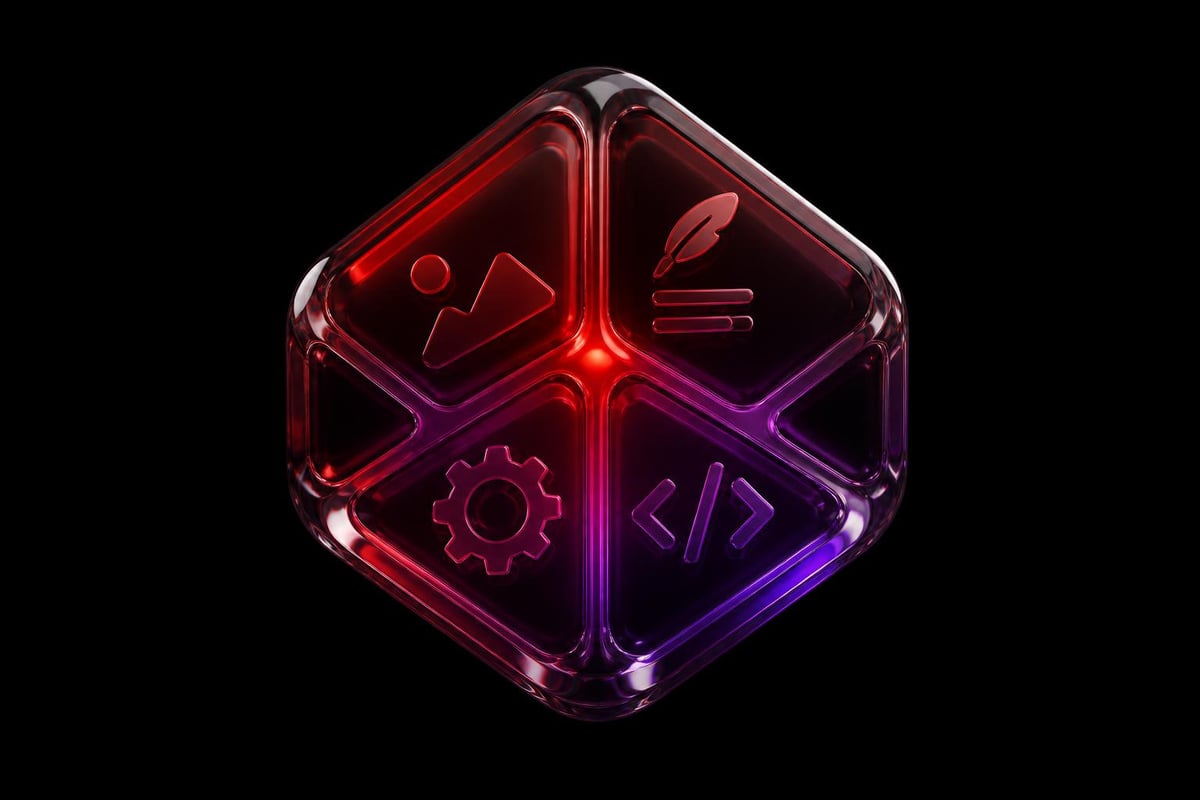
The pattern across successful AI-assisted design workflows is clear: AI handles the mechanical. Humans handle the strategic.
Code Generation Changes Implementation Speed
GitHub Copilot and similar tools now write functional code from design specifications. Designers working in platforms like Framer use AI to generate interactions, animations, and component logic. This collapses the gap between design and implementation.
The workflow looks like this:
- Designer creates visual mockup and defines interaction
- AI generates initial code structure
- Designer refines and adjusts for edge cases
- Ship to production
What used to require back-and-forth with developers now happens in a single session. For studios working with startups, this speed advantage compounds. You can test, iterate, and ship faster than teams relying on traditional handoffs.
How Designers Use AI for Concept Development
Concept exploration traditionally ate project timelines. Multiple rounds of sketches, mood boards, and directional explorations before landing on an approach. AI compresses this phase without sacrificing quality.
Visual Reference Generation
Instead of spending hours searching stock libraries and saving Pinterest boards, designers describe what they need. "Minimalist medical dashboard with organic shapes and warm neutrals" returns dozens of variations in seconds. These aren't final designs. They're faster, more specific references than traditional search could provide.
The output quality varies. Some results are perfect directional guides. Others are terrible. The value is in volume and speed. Generate fifty options, find the three that spark ideas, move forward.
| Traditional Workflow | AI-Enhanced Workflow | Time Savings |
|---|---|---|
| Manual stock search (2-3 hours) | AI reference generation (15 minutes) | 85% reduction |
| Custom illustration sourcing (3-5 days) | AI concept visualization (30 minutes) | 95% reduction |
| Typography pairing research (1-2 hours) | AI-powered font matching (10 minutes) | 90% reduction |
Pattern and System Exploration
Designers use AI to generate pattern variations, explore color systems, and test layout structures. Feed it parameters, get back explorations. This works especially well for systems work where you need to see how rules play out across contexts.
Adobe's vision for AI in creative workflows emphasizes this exploratory capability. Their tools let designers define constraints, then generate variations within those boundaries. You maintain control while expanding what you can consider.
For product design studios working with multiple clients, this capability multiplies output capacity. Generate more options faster, get client feedback earlier, iterate with actual direction rather than guessing.
Production Workflow Integration
How designers use AI in daily production determines whether it adds value or just complicates process. The key is integration points that remove friction rather than add steps.
Asset Preparation and Optimization
Automated image processing handles the grunt work. Background removal, smart cropping, format conversion, resolution scaling. These tasks used to require manual attention or dedicated tools. Now they happen in-context, often automatically.
Icon and asset generation speeds up interface work. Describe the icon you need, get multiple options, refine the one that's closest. Not perfect, but faster than drawing from scratch or searching icon libraries.
Content generation for prototypes fills designs with realistic copy. No more "Lorem ipsum" or copying random Wikipedia text. AI writes contextually appropriate placeholder content that helps stakeholders understand how real content will work.
Component and System Documentation
Design systems need documentation to work. AI writes initial component descriptions, usage guidelines, and code examples. Designers edit and refine, but the first draft happens automatically.
This matters for teams managing complex systems or working with modern website builders that require component libraries. Better documentation means faster implementation and fewer support questions.

Strategic AI Applications Beyond Production
The surface-level applications get the attention. But how designers use AI strategically separates good studios from great ones.
User Research Analysis
AI processes user feedback, interview transcripts, and behavioral data faster than humans can. It identifies patterns, flags outliers, and surfaces insights that might take weeks to find manually.
The workflow:
- Collect user feedback from multiple sources
- Feed transcripts and data to AI analysis tools
- Review generated insights and patterns
- Validate findings against actual user behavior
- Use insights to inform design decisions
This doesn't replace talking to users. It accelerates the synthesis phase so you can spend more time on strategic decisions and less on data processing.
Accessibility and Compliance Checking
AI scans designs for accessibility issues before handoff. Color contrast problems, touch target sizes, screen reader compatibility. It catches problems early when they're cheap to fix.
Compliance checking works similarly. AI flags potential WCAG violations, suggests fixes, and documents accessibility considerations. For studios working with healthcare or fintech clients, this automated checking reduces risk and speeds review cycles.
Personalization and Variation Generation
Creating personalized experiences traditionally required massive design effort. Different layouts for different segments, multiple variations for testing, localized versions for different markets.
AI generates variations from a single source design. Change copy for different audiences, adjust layouts for different screen sizes, adapt color schemes for different brands. The base design stays consistent while surface-level variations happen automatically.
Typography and Font Discovery
Finding the right typeface used to mean scrolling through hundreds of options, testing combinations, and hoping something clicked. AI-powered font discovery changed this completely.
Describe what you need in natural language. "Professional but approachable serif for a fintech startup" returns relevant options instantly. The AI understands context, style, and appropriate pairing in ways that traditional search cannot.
Font pairing suggestions eliminate trial and error. Feed it your chosen headline font, get back body text options that actually work together. This saves hours of testing combinations and second-guessing choices.
Custom font generation is emerging but still inconsistent. Some tools create usable display fonts from descriptions. Others produce interesting starting points that need significant refinement. The technology isn't production-ready for most applications, but it's developing fast.
Quality Control and What AI Still Can't Do
Understanding AI's limits matters as much as knowing its capabilities. How designers use AI effectively depends on recognizing where it helps and where it fails.
Where AI Fails Consistently
Strategic thinking isn't automatable. AI can't understand business context, competitive positioning, or brand strategy. It doesn't know why one design direction advances business goals while another doesn't. That's the designer's job.
Taste and judgment remain human domains. AI generates options based on pattern matching. It doesn't have taste, understand cultural nuance, or make aesthetic judgments. It produces statistically likely outputs, not necessarily good ones.
Stakeholder navigation requires emotional intelligence. Understanding client concerns, reading room dynamics, knowing when to push back and when to adapt. These soft skills determine project success as much as design quality.
System-level thinking about how components interact, how users flow through experiences, how brand expression evolves across touchpoints. AI sees individual pieces. Designers see the whole system.
| AI Strengths | Designer Strengths | Collaboration Result |
|---|---|---|
| Speed and volume | Strategy and context | Faster validation |
| Pattern recognition | Taste and judgment | Better options |
| Automated execution | Creative direction | Reduced production time |
| Data processing | Stakeholder management | Informed decisions |
Real Applications in Client Work
Theory means nothing without application. Here's how designers use AI in actual client engagements.
Brand Development Workflows
AI accelerates brand exploration without replacing strategic thinking. Designers define brand attributes, competitive positioning, and target audience. AI generates initial visual directions based on those parameters.
The brand foundation process still requires human strategy. But AI speeds the visual exploration phase. Generate logo concepts, test color palettes, explore typography systems. Human designers evaluate, refine, and combine the best elements into cohesive systems.
Website Design and Development
High-converting website design combines strategic thinking with efficient execution. AI handles routine production tasks while designers focus on conversion optimization and user experience.
Content generation creates realistic placeholder copy that reflects actual messaging. This helps stakeholders see how real content works in the design, leading to better feedback and fewer revisions.
Code assistance speeds implementation in platforms like Framer. Designers describe interactions, AI generates the code, designers refine the details. This eliminates waiting for developer availability on straightforward implementations.
Asset optimization happens automatically. Images get compressed, responsive versions generate, alt text writes itself. Designers maintain control over the source assets while AI handles the technical optimization.
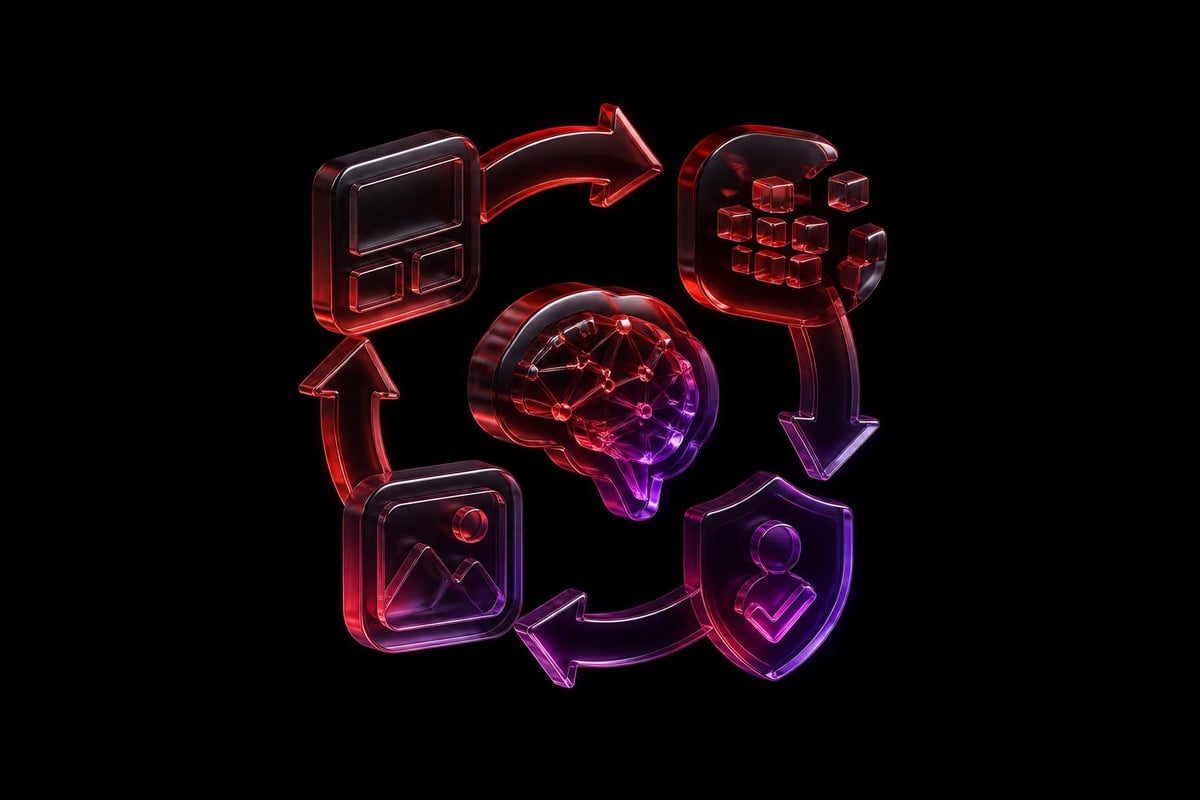
Product Interface Design
Interface design at scale requires consistent systems and rapid iteration. AI supports both.
Component generation from descriptions speeds initial builds. "Data table with sorting, filtering, and export" produces a working starting point. Designers refine the details, but the foundation builds faster.
Accessibility checking catches issues during design, not after development. Color contrast, touch targets, keyboard navigation. AI flags problems immediately, designers fix them while they're still cheap to address.
Variation testing happens in minutes instead of days. Generate dark mode versions, test different density levels, explore alternative layouts. More testing means better decisions.
The Practical Reality in 2026
How designers actually use AI differs from both the hype and the fear. It's not replacing designers. It's not revolutionizing everything overnight. It's quietly accelerating specific workflow moments while leaving strategic work untouched.
The designers thriving with AI share common approaches:
- They use AI for speed, not creativity. Generation tools produce options faster, not better. Human judgment selects and refines.
- They maintain control over output. AI suggests, humans decide. Every AI-generated asset gets human review before shipping.
- They integrate AI into existing tools. Not standalone AI platforms, but AI features in the tools they already use.
- They focus on business outcomes. Faster turnaround, more iterations, better testing. The value is in velocity, not in the AI itself.
The Economics of AI-Enhanced Design
Speed translates to economic advantage. Studios that integrate AI effectively can:
- Take on more projects with the same team size
- Iterate faster leading to better outcomes
- Reduce costs on routine production tasks
- Focus resources on high-value strategic work
For startups choosing between agencies and other hiring models, AI-enhanced studios offer better value. You get senior strategic thinking combined with production efficiency that would require larger teams using traditional methods.
AI Tools by Design Discipline
Different specializations use different AI tools. The overlap exists, but specific disciplines have adopted tools that match their workflows.
Brand and Identity Design
- Logo exploration: AI generates initial concepts from brand attributes
- Color palette generation: Creates harmonious color systems from keywords
- Pattern creation: Generates brand patterns and background elements
- Typography pairing: Suggests font combinations based on brand personality
UI/UX Design
- Wireframe generation: Creates layout options from content structure
- Copy generation: Writes interface text and microcopy
- Accessibility checking: Scans for WCAG compliance issues
- User flow optimization: Suggests improvements based on best practices
Web Design
- Layout variations: Generates responsive breakpoints automatically
- SEO optimization: Writes meta descriptions and optimizes content
- Performance testing: Identifies and fixes speed issues
- Content formatting: Adapts copy for different page types
Motion and Interaction
- Animation code: Generates CSS/JavaScript for interactions
- Timing suggestions: Recommends easing and duration values
- Micro-interaction ideas: Suggests delightful interface moments
- Prototype generation: Creates interactive prototypes from static designs
Building AI-Enhanced Design Teams
Individual designers adopt AI tools. Teams need strategy around integration, training, and quality control.
Training and Skill Development
Designers need new skills beyond traditional design capabilities:
- Prompt engineering to get useful outputs from AI tools
- Quality evaluation to separate good AI outputs from bad
- Tool selection to choose appropriate AI tools for specific tasks
- Workflow integration to blend AI into existing processes
This isn't a one-time training. AI tools evolve monthly. Continuous learning becomes part of the job.
Quality Standards and Review
AI outputs require human review. Every studio needs clear standards:
What ships without review: Automated optimizations with low risk (image compression, basic formatting)
What needs junior review: Routine production work (asset generation, initial component builds)
What requires senior review: Anything customer-facing (copy, visual design, user experience decisions)
What never uses AI: Strategic decisions, client communication, brand positioning
Tool Stack Integration
Successful teams integrate AI into existing tools rather than adding separate AI platforms. This reduces friction and speeds adoption.
Adobe products include AI features natively. Designers use them without leaving familiar interfaces.
Figma plugins add AI capabilities to existing workflows. Background removal, copy generation, accessibility checking.
Development tools like Cursor and GitHub Copilot integrate AI into code editors. Designers working in Framer or other no-code platforms get similar benefits.
Competitive Advantage Through AI
Studios that integrate AI effectively move faster than competitors still working manually. This speed advantage compounds over time.
Faster Client Onboarding
AI accelerates initial concept development. Present more options in first meetings. Get directional feedback earlier. Iterate faster based on actual client response rather than assumptions.
For startups needing to move fast, this speed matters. Time to market drives value. Faster design processes mean faster launches and faster learning.
Higher Iteration Volume
More iterations lead to better outcomes. AI-enhanced workflows allow more testing, more variations, more refinement in the same timeline.
Traditional workflow: Three design directions, two rounds of revisions.
AI-enhanced workflow: Ten initial directions, rapid narrowing to three, five rounds of refinement in the same time.
More reps mean better results.
Improved Resource Allocation
Junior designers handle production work AI accelerates. Senior designers focus on strategy and client relationships. This allocation maximizes value from each team member.
The economic model shifts. You need fewer production-focused roles and more strategic thinkers. The team stays lean while output increases.
The Designer's Role Evolves
How designers use AI in 2026 reflects a broader shift in what design work means. Less time pushing pixels. More time solving problems.
Creative direction becomes the core skill. Defining what good looks like, evaluating options, making taste judgments. These skills can't be automated and become more valuable as AI handles routine work.
Strategic thinking about business outcomes, user needs, and competitive positioning. The designers who understand business context and can connect design decisions to measurable outcomes will always have a place.
System design for consistency at scale. Building design systems, defining components, documenting patterns. This work requires understanding how pieces fit together across contexts.
Stakeholder collaboration to understand needs, present concepts, and navigate feedback. The human elements of design work remain fundamentally human.
The tactical execution skills matter less. The strategic thinking skills matter more. Graphic designers adapting to AI shift focus from execution to direction.
Concerns and Real Risks
Not everything about AI in design is positive. Real concerns exist beyond the "will robots take our jobs" narrative.
Quality Degradation Risk
Easy generation tempts designers to ship first drafts. If AI produces something 70% good in seconds, the pressure to call it done increases. Maintaining quality standards requires discipline.
The solution is clear review processes. AI outputs are drafts, never finals. Human review happens on everything customer-facing.
Homogenization of Design
AI trains on existing work. It generates outputs based on patterns it's seen. This creates a gravitational pull toward the average.
Distinctive design requires pushing against AI suggestions. Use AI for efficiency, not for creative direction. The studios creating memorable work will be those that use AI for speed while maintaining unique creative perspectives.
Client Education Gaps
Clients see AI demonstrations and expect magic. "Can't AI just design my website?" Understanding where AI helps and where human expertise matters becomes a constant education process.
Clear communication about process helps. Show where AI accelerates work. Show where human judgment drives outcomes. When to hire professional designers becomes even more important as AI capabilities expand.
Ethical Considerations
Training data sources, copyright questions, and attribution issues remain unsettled. Designers using AI-generated assets need to understand licensing and rights.
Most AI image generators include usage rights in their terms. But the underlying training data questions persist. Conservative approaches minimize risk: use AI for inspiration and rough drafts, not for final deliverables.
Measuring AI Impact on Design Outcomes
Understanding whether AI improves work requires measurement. Anecdotal efficiency gains mean nothing without data.
Time Savings Metrics
Track time spent on specific tasks before and after AI integration:
- Concept exploration hours per project
- Asset production time per deliverable
- Revision cycles to final approval
- Documentation writing time
Most studios see 30-50% time reduction on production tasks. Strategic work timeline stays similar because it requires human thinking regardless of tools.
Output Quality Metrics
Quality is harder to measure but more important:
- Client satisfaction scores
- Revision rounds to approval
- Project success metrics (conversions, engagement)
- Team satisfaction with process
If AI speeds work but reduces quality, it's not helpful. The goal is faster and better, or at minimum faster without quality loss.
Business Impact
The metrics that actually matter:
- Project profitability
- Team capacity utilization
- Client retention rates
- Referral volume
AI integration should improve these business outcomes. If it doesn't, the implementation needs adjustment.
Building Your AI Integration Strategy
For studios and in-house teams considering AI integration, start with strategy before tools.
Identify bottlenecks in current workflow. Where does work pile up? What tasks consume time without adding strategic value? These are your AI integration targets.
Test tools systematically. Don't adopt everything at once. Pick one workflow pain point, test AI solutions, measure results. Then move to the next.
Train progressively. Start with designers most interested in AI tools. Let them develop expertise, then teach others. Forced adoption creates resistance.
Document learnings. What works, what doesn't, what clients respond to. Build institutional knowledge about effective AI use.
Maintain quality standards. AI makes bad work faster just as easily as good work. Quality review processes matter more with AI, not less.
For growing companies, partnering with design studios that have already integrated AI effectively offers immediate access to these capabilities without building internal expertise.
AI integration in design comes down to speed without sacrificing judgment. The studios winning in 2026 use AI to handle routine production while maintaining strategic control over outcomes. They're shipping faster, iterating more, and delivering better results than teams stuck in purely manual workflows. If you're building a startup and need design partners who combine AI efficiency with strategic thinking, Embark Studio™ helps you move faster without compromising quality. We use modern AI-assisted workflows to accelerate production while keeping strategic decisions where they belong: with experienced designers who understand your business.
Get articles like this in your inbox
Practical design and growth insights for founders. No spam, unsubscribe anytime.


